Apply for Bolt if your team is already spending time (and money) on client meetings, hiring loops, and event logistics.
TL;DR
This guide explains the Bolt for Business offer and the clean claim path: apply on XRaise first, then use Bolt’s site only to confirm official product details and terms.


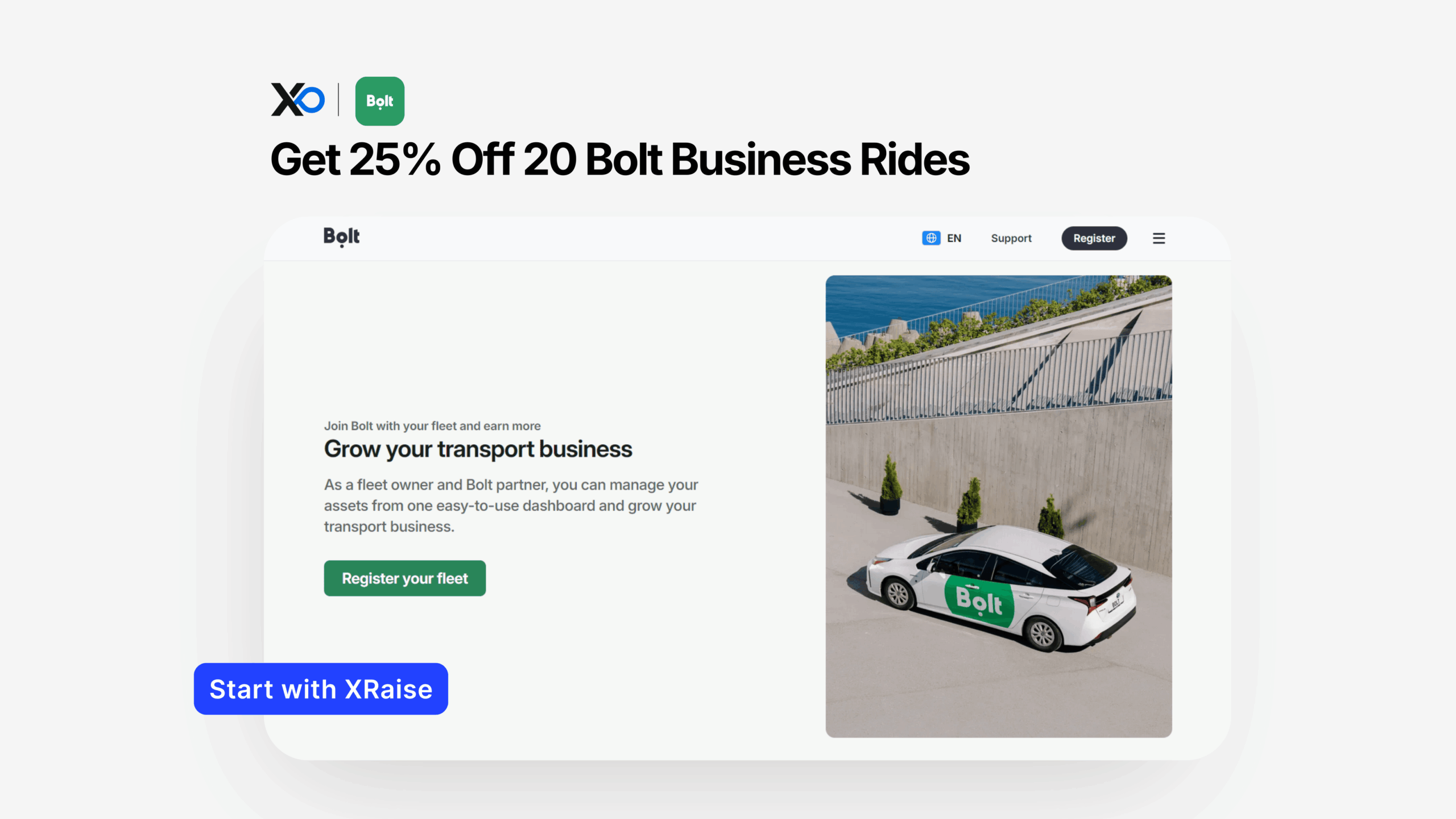
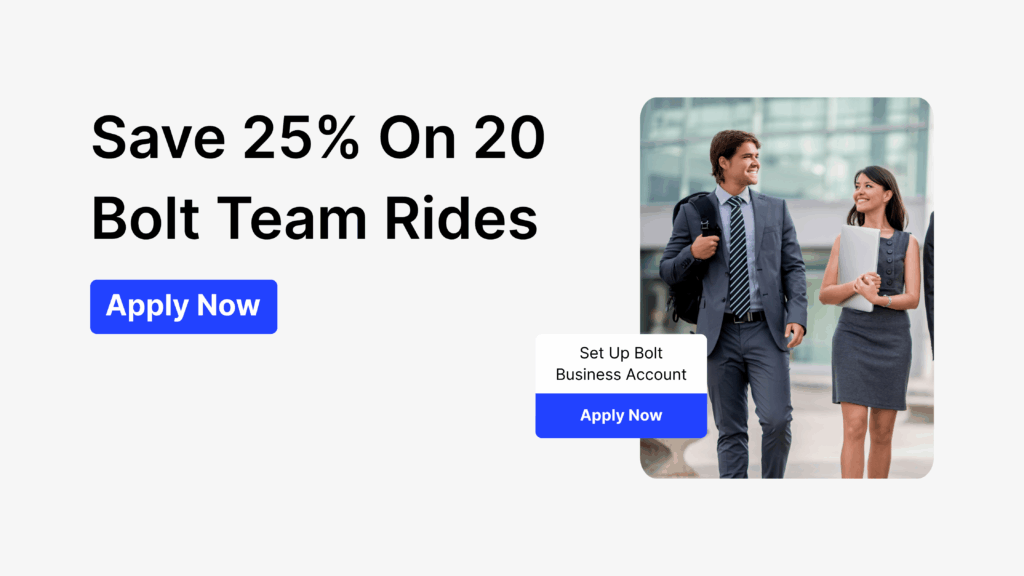
- What you get: 25% discount on 20 rides, plus spend controls and centralized billing features.
- Who qualifies: Not publicly confirmed; best fit for teams setting up a business travel account and policy controls.
- How to apply: Open the XRaise perk page, submit your startup details, then follow the approval/activation steps you receive.
- Next step: apply on XRaise, then use Bolt’s site only to confirm official terms/details.
What is Bolt for Business (and why Apply for Bolt)?
When a business ride account matters
Bolt for Business is Bolt’s business travel and ride management platform. It’s designed to help teams run rides under one company account with policy controls, consolidated reporting, and streamlined billing.
Who it’s for: founders and ops/finance leads who want visibility and control over team transport (client meetings, hiring loops, events, field ops) without chasing receipts.
What problem it solves: unmanaged travel spend creeps fast, different ride types, inconsistent receipts, unclear owners, and slow reconciliation. Bolt for Business aims to centralize the workflow so it’s easier to enforce limits and close the month cleanly.
What do you get when you Apply for Bolt?
This XRaise perk is straightforward and capped:
| Feature | Why it matters |
|---|---|
| Save time | Automated ride reports + integrations reduce admin. |
| Cut travel costs | Competitive pricing helps you find savings. |
| Control & visibility | Set spend limits/rules + get real-time updates. |
| Simple invoicing | One consolidated invoice for team rides. |
What’s included vs. excluded (what to verify)
Your perk input confirms a ride discount plus access to control features. But these operational details aren’t publicly confirmed in the perk input, so treat them as “verify in official terms/activation steps”:
| What to verify | What it changes |
|---|---|
| Region/city coverage | Whether Bolt for Business (and the discount) works where your team rides. |
| Ride type eligibility | Whether the discount applies to all ride categories or excludes premium options. |
| Account requirements | Whether you must be a new Bolt for Business account vs. an existing one. |
| Discount application | Whether it’s redeemed via promo code or applied through billing/invoicing. |
Use the vendor’s official Bolt for Business pages for product scope and any region notes.
Who can Apply for Bolt (eligibility)?
The perk input doesn’t publish full eligibility requirements. So here’s the honest, founder-safe framing:
Apply for Bolt if you need spend control
- Startups that want team ride control (limits, policies, monitoring)
- Teams doing frequent local travel (meetings, interviews, events, operations)
- Startups that want one invoice + reporting instead of fragmented reimbursements
When the Bolt for Business perk isn’t worth it
- You won’t use 20 rides in a reasonable window (the value stays small)
- Your team is mostly in a market where Bolt coverage is limited (confirm availability)
- You need a broader T&E stack (flights/hotels) rather than ground rides only
If you’re unsure, apply on XRaise first, then confirm edge cases on Bolt’s official terms pages after you receive activation instructions.
How to Apply for Bolt on XRaise (step-by-step)
Apply for Bolt checklist (what to have ready)
If you want the perk without losing time, follow this exact sequence.
- Open the XRaise perk page.
- Sign in (or create your XRaise account).
- Select the Bolt for Business perk and confirm your company basics.
- Submit your application through XRaise.
- Watch for approval + activation steps (this is where promo code / redemption method is typically confirmed).
- Set up your Bolt for Business account (users, permissions, billing).
- Configure spend controls: limits, ride rules, and who can book.
- Track discounted usage until you reach the 20-ride cap, then decide your ongoing workflow.
If you want a concrete reference for how XRaise “apply → approve → activate” works in practice, see how it’s written in Apply for Notion for Startups (same flow discipline, different product):
Apply for Bolt: what you save and what you simplify
This perk pays off in two places: (1) discounted rides and (2) reduced ops overhead.
Scenario 1: Founder-led sales weeks
When you’re meeting prospects across town, you stack rides quickly. The discount reduces the first wave of spend, while policy controls prevent “default premium rides” or casual misuse from becoming your new baseline.
Scenario 2: Hiring loops and candidate movement
Interview days can generate bursts of rides (team members criss-crossing the city, occasional guest/candidate rides). Centralized rules and billing help you avoid “who submits what” chaos at month-end.
Scenario 3: Event mode (conferences, partner meetings, launches)
The biggest cost isn’t always the ride, it’s the admin. If invoicing and reporting are centralized, finance can reconcile faster and founders spend less time reviewing expenses line by line.
Scenario 4: Sustainability-aware travel
If your team cares about reporting greener choices, Bolt Business mentions CarbonNeutral certification for its business rides (confirm exact scope for your usage).
For broader “runway protection” thinking, how founders should prioritize savings across tools, this XRaise guide is useful context.
Tips to Apply for Bolt and maximize value
- Time your application around real travel volume. The perk is capped at 20 rides; apply right before a period you know will be ride-heavy.
- Set policy rules before you invite the whole team. Start strict (ride types, budgets, hours), then loosen only where it improves execution.
- Make one owner accountable. One admin watching usage prevents silent drift.
- Use reporting for behavior change, not just bookkeeping. If a route repeats weekly, you can restructure schedules, bundle meetings, or choose consistent locations.
- Don’t assume stacking. If you have other discounts or travel programs, treat stacking as “not publicly confirmed” unless activation instructions clearly allow it.
- Keep the apply path clean. Any “Apply / Claim / Get the perk” action should go to XRaise, not the vendor page.
If you’re building a broader cost-control stack (beyond travel), it can help to skim how other high-impact savings are structured on XRaise, example: HubSpot’s startup discount article shows how to think about limits, eligibility, and activation steps.
Before you Apply for Bolt: compare these alternatives
If Bolt coverage doesn’t match your region or you want a different workflow, here are two practical alternatives founders compare:
Uber for Business (better when Uber coverage is stronger)
If your team already uses Uber everywhere and coverage is consistently better for your routes, Uber for Business may be the simpler default. XRaise’s guide is here.
Navan (better when you want broader T&E, not just rides)
If the real pain is travel + expense management at a higher level (more than just rides), Navan may fit better. XRaise’s Navan promo overview.
Rule of thumb:
- If you need rides + rules + billing, Bolt/Uber-style solutions win.
- If you need full T&E + expense structure, a broader stack may win.
FAQ
What do I need to qualify?
Eligibility requirements are not publicly confirmed in the provided perk input. Apply on XRaise, then confirm any edge cases in the activation steps and official vendor terms.
Can I stack this with other offers?
Not publicly confirmed. Assume stacking is not allowed unless your activation instructions explicitly say it’s allowed.
What happens after it expires?
The discount ends after 20 rides. Your Bolt for Business account can continue under standard terms after the perk limit is reached.
Does it apply to all plans?
Not publicly confirmed. Confirm plan/region restrictions using Bolt’s official Bolt for Business pages.
How can I use the discount?
Follow the redemption steps you receive after approval on XRaise (this is typically where the promo code or billing application method is shared).
Is there a limit to the number of rides?
Yes. The 25% discount applies to a maximum of 20 rides.
Can I integrate Bolt with our existing systems?
Bolt for Business describes integrations and automated reporting workflows; confirm what’s available for your region/account.
Final Thoughts
If your team is doing real-world execution, sales meetings, hiring loops, events, travel spend becomes a silent leak unless you set rules early. Bolt for Business is built to centralize control, reporting, and billing, and this perk adds a practical discount on top.

Startup Perks AI Assistant
Have questions about credits? Let's chat instantly.
You can confirm official product details and terms on Bolt’s site.
Explore XRaise’s perk directory for more offers for your startup.