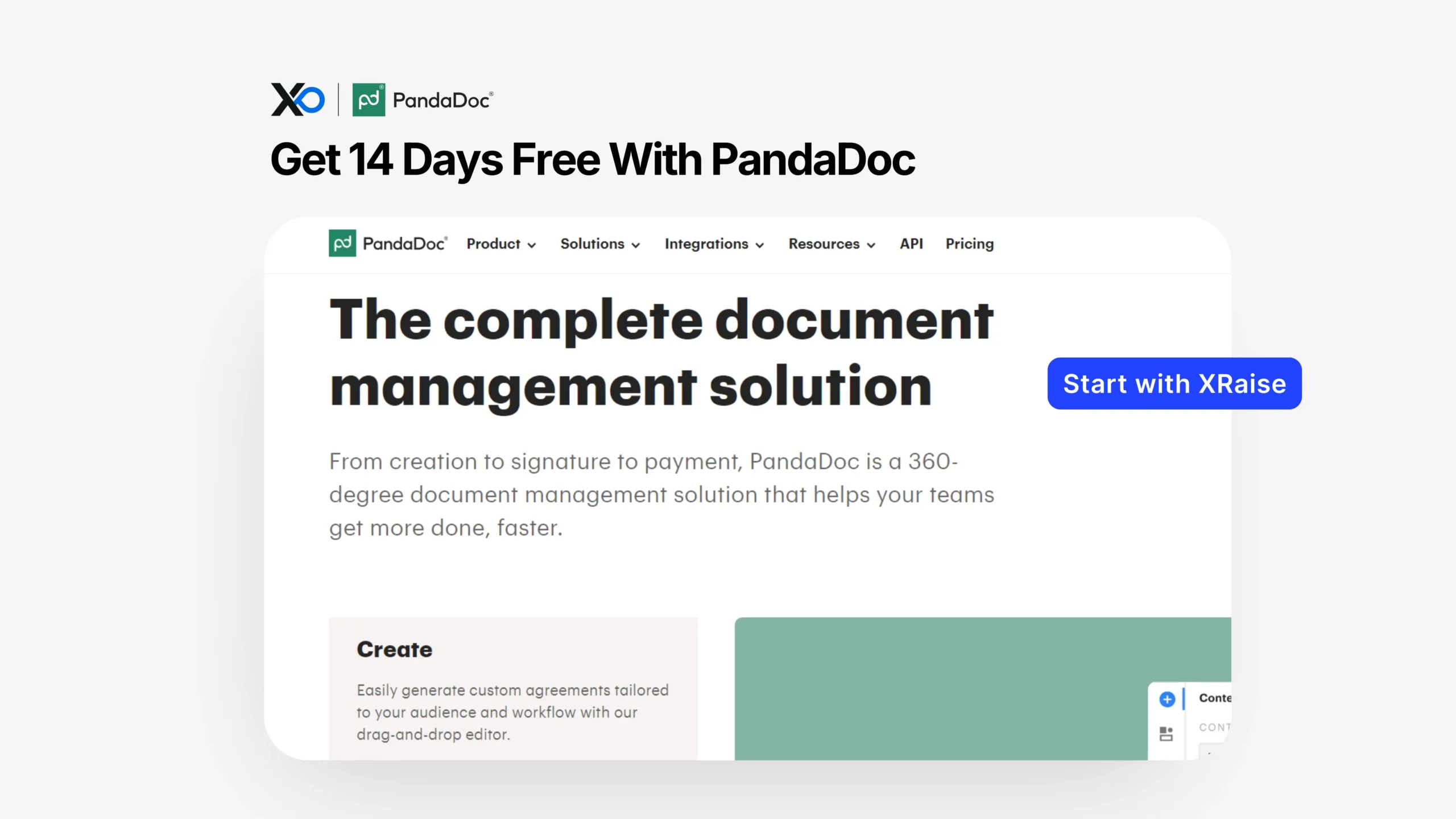
Apply for PandaDoc to access the full PandaDoc agreement management experience with a free 14-day trial, and start the process on XRaise so your perk workflow stays centralized.
TL;DR
This article provides a practical overview of how to use the PandaDoc for Startups perk and whether it fits your stage, including how to Apply for PandaDoc once through XRaise.

- What you get: a free 14-day trial with access to PandaDoc’s feature set for agreement workflows.
- Who qualifies: startups that want to evaluate PandaDoc for quotes, contracts, e-signatures, and workflow automation (exact limits vary by plan).
- How to apply: open the XRaise perk page, apply, then activate inside PandaDoc once approved.
- Next step: apply on XRaise, then use PandaDoc’s official pages only to confirm terms (not to apply).
What is PandaDoc for Startups?
PandaDoc is an agreement management platform that helps teams create documents, send them for secure e-signature, track engagement, and (when configured) connect documents to quoting and payment workflows.

Startup Perks AI Assistant
Have questions about credits? Let's chat instantly.
It’s best for startups that want fewer handoffs across tools during “quote → contract → signature → internal approval → close,” especially when sales and ops are sharing the same deal data.
What problem it solves (in one line): it reduces the manual busywork around proposals and agreements by combining document creation, signing, and workflow tracking in one system.
What do you get with this perk?
With this perk, you get access to PandaDoc’s platform with a free 14-day trial, so you can evaluate whether it fits your operations before committing.
What is included:
| Feature | What it means for startups |
|---|---|
| Full feature access (14-day trial) | Test PandaDoc’s agreement workflow end-to-end before committing. |
| Drag-and-drop document editor | Create customized proposals, contracts, and agreements quickly. |
| Secure e-signatures | Send and sign documents with compliance-oriented e-signature workflows. |
| Quote / CPQ automation | Generate quotes using product catalogs and rules-based pricing. |
| Document tracking & analytics | Monitor recipient activity and measure document engagement. |
Excluded / limitations (what to verify)
Because free trials can map to specific tiers and may include usage caps, treat the following as Not publicly confirmed for this perk unless you confirm on PandaDoc’s official terms pages:
- Whether the trial maps to specific plans or includes plan-specific restrictions (features can vary by plan).
- Any trial usage limits (documents, seats, integrations) for your exact account configuration.
Apply for PandaDoc: Who is eligible (and who isn’t)?
This is positioned as a startup-friendly evaluation perk (a free trial) rather than a gated “must be in an accelerator” discount.
Typically eligible (practical fit signals):
- You need to standardize proposals, quotes, contracts, or renewals.
- You want e-signature + audit trail + tracking in the same workflow.
- You have repeatable documents (MSAs, SOWs, NDAs, order forms) that benefit from templates and automation.
Often not a fit (common disqualifiers in practice):
- You only need a one-off PDF signature once in a while (you may be better with a simpler signing-only tool).
- You don’t yet have repeatable agreements (still pre-sales / pre-pricing / everything is custom).
- You require a specific compliance posture or procurement requirement that PandaDoc does not meet for your region or industry (verify on official security docs).
Apply for PandaDoc on XRaise: How to apply (step-by-step)
- Open the XRaise perk page.
- Click the apply button and complete the XRaise application flow.
- Watch for approval/activation instructions from XRaise.
- Create (or sign into) your PandaDoc account using the activation path provided.
- During the 14-day window, test the workflows you’ll actually run (don’t just click around).
- Confirm trial terms and plan boundaries on PandaDoc’s official pages (terms reference only).
- If it fits, move to a plan decision based on who needs access (sales, revops, finance, legal).
Apply for PandaDoc: What it’s worth in practice
Here’s where startups usually feel the impact, without pretending there’s a universal “$ saved” number:
| Scenario | Where PandaDoc Helps |
|---|---|
| Founder-led sales teams | Faster, more consistent proposals: reuse templates, personalize quickly, and send with tracking to see what prospects engage with. |
| Catalog-based pricing teams | Cleaner quoting with CPQ: handles catalog-driven pricing and frequent changes, reduces errors, and prevents deals stalling on “which price is correct?” |
| Operations teams managing contracts | Easier audit readiness: secure e-signature plus audit trails make proof, version history, and signing records easy to produce. |
| Regulated or compliance-heavy workflows | Lower risk when requirements match: security and compliance positioning (E-SIGN/UETA/HIPAA + SOC 2) can reduce risk if aligned to your implementation. |
Apply for PandaDoc: Tips to maximize approval + value

Apply for PandaDoc: Use the trial like a validation sprint
Pick one workflow you want to operationalize (e.g., “quote → contract → signature”), then rebuild it in PandaDoc in the first day. That forces clarity on templates, required fields, signing order, and approvals.
Apply for PandaDoc: Start with 3 templates you actually reuse
Common starting set:
- Sales proposal (with pricing table or line items)
- MSA + SOW combo (or one combined contract)
- NDA (simple, fast win)
Connect it to the system you already trust
If your source of truth is a CRM, prioritize integrations and data hygiene early so docs aren’t built on stale fields. (For CRM thinking, see Pipedrive for startups and Folk for startups.
Avoid these mistakes
- Treating the trial as “tour mode.” Build a real doc and send it end-to-end.
- Skipping roles/permissions. If multiple people touch agreements, permissions prevent chaos.
- Not confirming security requirements. Verify official security/compliance details if you’re regulated.
Apply for PandaDoc: Alternatives (optional)
Keep this simple: alternatives are only “better” when your workflow needs are different.
- DocuSign – often chosen when you want a widely adopted e-signature standard and enterprise procurement familiarity.
- Dropbox Sign – can be a simpler fit if you mainly need signing and basic templates.
- Agree.com – if you want an agreements-to-payments style workflow packaged differently, compare it here.
If your primary need is secure sharing + engagement analytics (not signatures), DocSend is the closer comparison.
FAQ
How do I apply?
Apply through XRaise’s perk directory.
What do I need to qualify?
Not publicly confirmed. In most cases, you should be ready to test PandaDoc with real documents and a real workflow during the 14-day window.
Can I stack this with other offers?
Not publicly confirmed. Confirm stacking rules (if any) on PandaDoc’s official terms pages, not third-party sites.
What happens after it expires?
Your trial access ends and you’ll need to choose a plan (or stop using the product). Confirm exact trial behavior on PandaDoc’s official pricing/trial language.
Does it apply to all plans?
Not publicly confirmed. Plan features and availability vary by tier; verify on PandaDoc pricing.
Where can I confirm the terms?
Use PandaDoc’s official pages for terms and plan boundaries.
Is PandaDoc compliant with industry standards?
PandaDoc positions its e-signature security as E-SIGN, UETA, and HIPAA compliant and backed by SOC 2 certification; confirm fit for your requirements on the official security page.
Can PandaDoc integrate with our existing systems?
PandaDoc supports integrations and API-based workflows; what’s available can vary by plan and implementation.
Apply for PandaDoc: Final Thoughts
If your startup is tired of stitching together proposals, contracts, signatures, and tracking across multiple tools, this perk is a clean way to test a full agreement workflow without upfront cost. Apply for PandaDoc through XRaise to keep the activation path centralized and to avoid bouncing between vendor pages for the application.
For official product details and current terms (not applying), check on PandaDoc’s page.