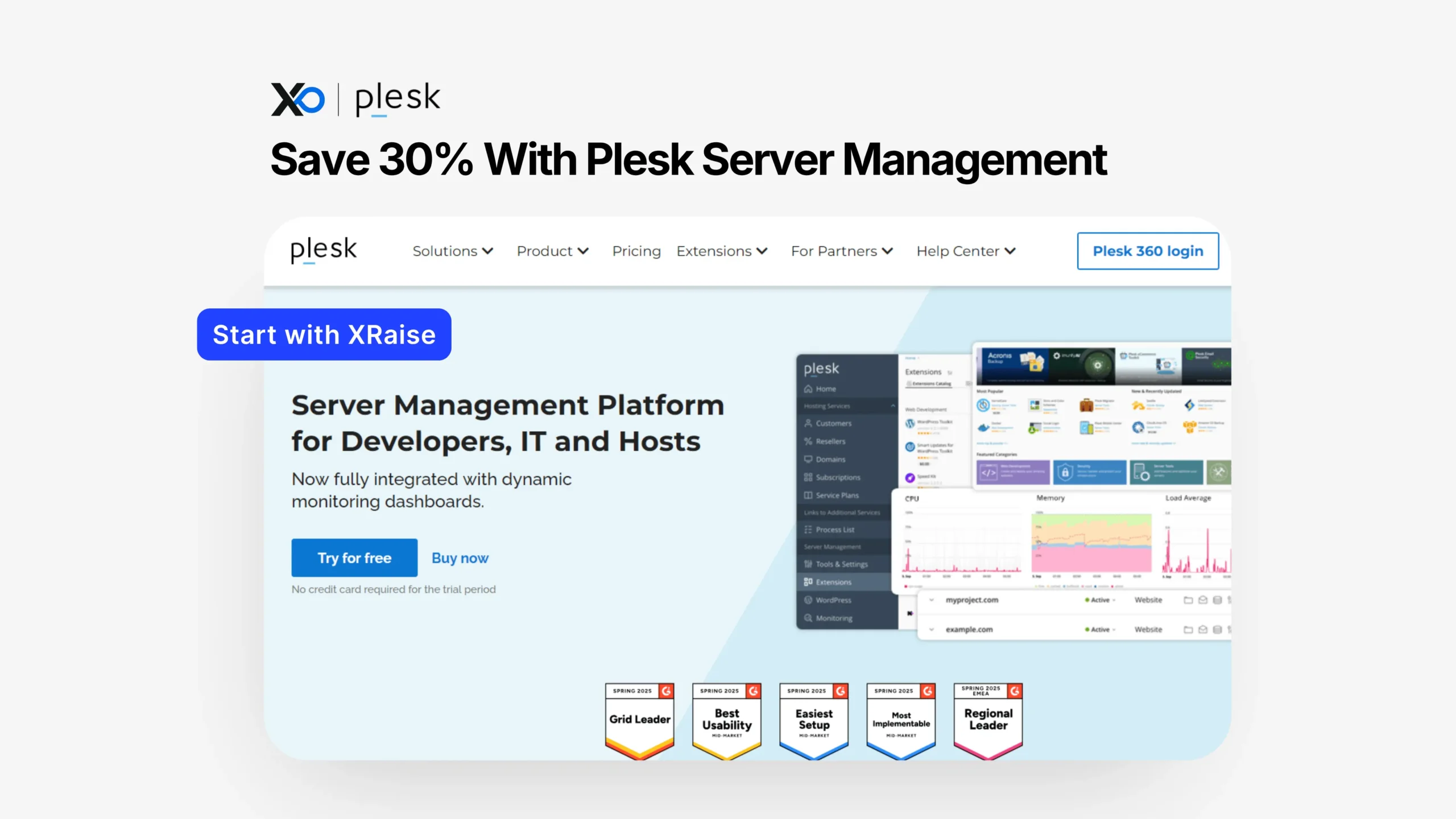
Apply for Plesk to access a 30% discount on SolusVM licenses and simplify server operations with a unified platform, apply on XRaise first to secure the perk before checking vendor terms.
TL;DR
This article provides a clear breakdown of how to Apply for Plesk, what you get, and how to secure the discount through XRaise.

- What you get: 30% off SolusVM licenses + full server management platform.
- Who qualifies: Startups needing VPS, hosting, or infrastructure control.
- How to apply: Apply on XRaise → follow approval steps → activate discount.
- Next step: Apply on XRaise; check vendor pages only for official terms.
What is Plesk for Startups?
Plesk is a complete server and hosting management platform designed for startups that need control over infrastructure without heavy DevOps overhead.
It combines monitoring, automation, virtualization (via SolusVM), and WordPress management into one interface. That means startups can manage servers, deploy updates, and maintain uptime without stitching together multiple tools.
Who it’s for:
- SaaS teams running VPS or cloud infrastructure
- Agencies managing multiple client sites
- Founders who want operational control without a full DevOps team
Problem it solves:
Instead of managing servers, monitoring tools, and deployments separately, Plesk centralizes everything into one dashboard.
What do you get when you apply for Plesk?
The core value is a 30% discount on SolusVM licenses, combined with access to a full server management stack.
Included in the perk
| Feature | What it means in practice |
|---|---|
| 30% discount on SolusVM licenses | Reduces infrastructure costs for VPS and server management |
| Integrated virtualization & VPS management | Manage and scale virtual servers from one dashboard |
| Real-time monitoring dashboards | Track performance, uptime, and server health instantly |
| AI-powered regression testing | Detect issues before deployment to avoid breaking changes |
| Staging environments | Test updates safely before pushing to production |
| WordPress management (WP Toolkit) | Manage, secure, and update WordPress sites efficiently |
Additional benefits
- Free trial with no credit card required
- Centralized dashboard for all server operations
- Access to 100+ extensions and integrations
What’s not fully specified
- Exact duration of the discount → Not publicly confirmed
- Plan limits or usage caps → Varies by plan
For official feature breakdowns, check the vendor site.
Apply for Plesk: Who is eligible (and who isn’t)?
Likely eligible
| Who is eligible | What this means |
|---|---|
| Early-stage or growth-stage startups | You have a live product or are preparing to launch and need infrastructure |
| Teams using VPS or hosting | You already run (or plan to run) your own servers, not just no-code tools |
| Startups needing scalability | You expect traffic growth and need flexible server capacity |
May not be a fit
| Who it’s NOT for | What this means |
|---|---|
| Startups without backend infrastructure needs | You don’t manage servers or hosting at all |
| Teams using fully managed platforms | You rely on tools where server control isn’t required |
| Companies needing enterprise compliance immediately | You require advanced security/compliance setups from day one |
Eligibility specifics can vary, so confirm details via official documentation:
https://www.plesk.com/extensions/
How to apply for Plesk on XRaise(step-by-step)
- Go to the official XRaise perk page
- Click “Apply” and submit your startup details
- Wait for approval confirmation from XRaise
- Receive access instructions or discount activation details
- Activate your SolusVM license with the discount
- Start with the free trial (no credit card required)
- Configure your server environment and integrations
Apply for Plesk: Pricing table review
| Plan | Price (Discounted) | Regular Price | Best for | Key positioning |
|---|---|---|---|---|
| Web Admin Edition (VPS) | €13.10/month | €14.29/month | Small teams / basic setups | Built for website and server administration |
| Web Pro Edition (VPS) | €23.37/month | €25.49/month | Developers & designers | Complete solution for building and managing sites |
| Web Host Edition (VPS) | €48.57/month | €52.99/month | Hosting businesses | Designed to scale hosting operations |
| Business Plans (Partners) | Custom pricing | Varies | Larger companies / partners | Full solution for scaling business infrastructure |

Apply for Plesk: What it’s worth in practice
1) Extending runway through infrastructure savings
Server management costs compound quickly. A 30% discount directly reduces recurring infrastructure overhead.

Startup Perks AI Assistant
Have questions about credits? Let's chat instantly.
2) Avoiding DevOps tool sprawl
Instead of combining monitoring, deployment, and management tools, Plesk consolidates everything—saving both cost and engineering time.
3) Scaling without friction
With SolusVM, startups can scale VPS resources as demand grows without rebuilding infrastructure workflows.
4) Faster and safer releases
Staging environments and regression testing reduce deployment risk, which means faster iteration without downtime.
For broader infrastructure strategies, see:
https://xraise.ai/blog/apply-for-cloud-credits/
Apply for Plesk: Tips to maximize approval + value
Use this table to apply at the right time and get the most value from the Plesk perk.
| Tip | What to do | Why it matters |
|---|---|---|
| Apply at the right time | Apply when you already need servers or VPS | You avoid wasting the trial/discount period |
| Start simple | Test one workflow (deploy → test → monitor) | You learn the system faster without confusion |
| Always use staging | Test changes before going live | Reduces risk of breaking your live product |
| Manage everything in one place | Move all servers and sites into Plesk | Saves time and simplifies operations |
| Watch your usage | Track resources and costs regularly | Makes sure you actually benefit from the discount |
Apply for Plesk: Alternatives (optional)
If Plesk doesn’t fully match your setup, consider:
- DigitalOcean for Startups → simpler cloud infrastructure with credits
- AWS Activate → better for large-scale cloud-native systems
- Managed hosting platforms → better if you don’t want server control
Scenarios where Plesk may not be the best choice:
| When alternatives are better | What this means |
|---|---|
| You don’t want infrastructure management | You prefer not to handle servers, updates, or configurations |
| You need deep cloud-native integrations | You rely heavily on tools tightly integrated with AWS, GCP, or Azure |
| You prefer fully managed environments | You want platforms that handle everything without server-level control |
FAQ
How do I apply?
Apply through XRaise using the official link, then activate the discount after approval.
What do I need to qualify?
You typically need to be a startup with infrastructure or hosting needs. Exact criteria may vary.
Can I stack this with other offers?
Not publicly confirmed. Check vendor terms.
What happens after it expires?
You’ll likely move to standard pricing. Confirm details on the vendor site.
Does it apply to all plans?
The discount applies to SolusVM licenses. Other features may vary by plan.
Is a credit card required?
No, the trial does not require a credit card.
Can I integrate existing tools?
Yes, Plesk supports 100+ extensions for integrations.
Final Thoughts
Plesk fits startups that need hands-on control of infrastructure without hiring a full DevOps team. It gives you one place to manage servers, scale VPS resources, and ship updates safely.
If you’re already running servers, managing multiple sites, or expecting growth, this perk turns infrastructure from a bottleneck into a controlled, scalable system, while lowering costs.
Apply for Plesk on XRaise, Then confirm features and terms on the official site.
For a broader view of startup tools and savings, explore XRaise perk directory.