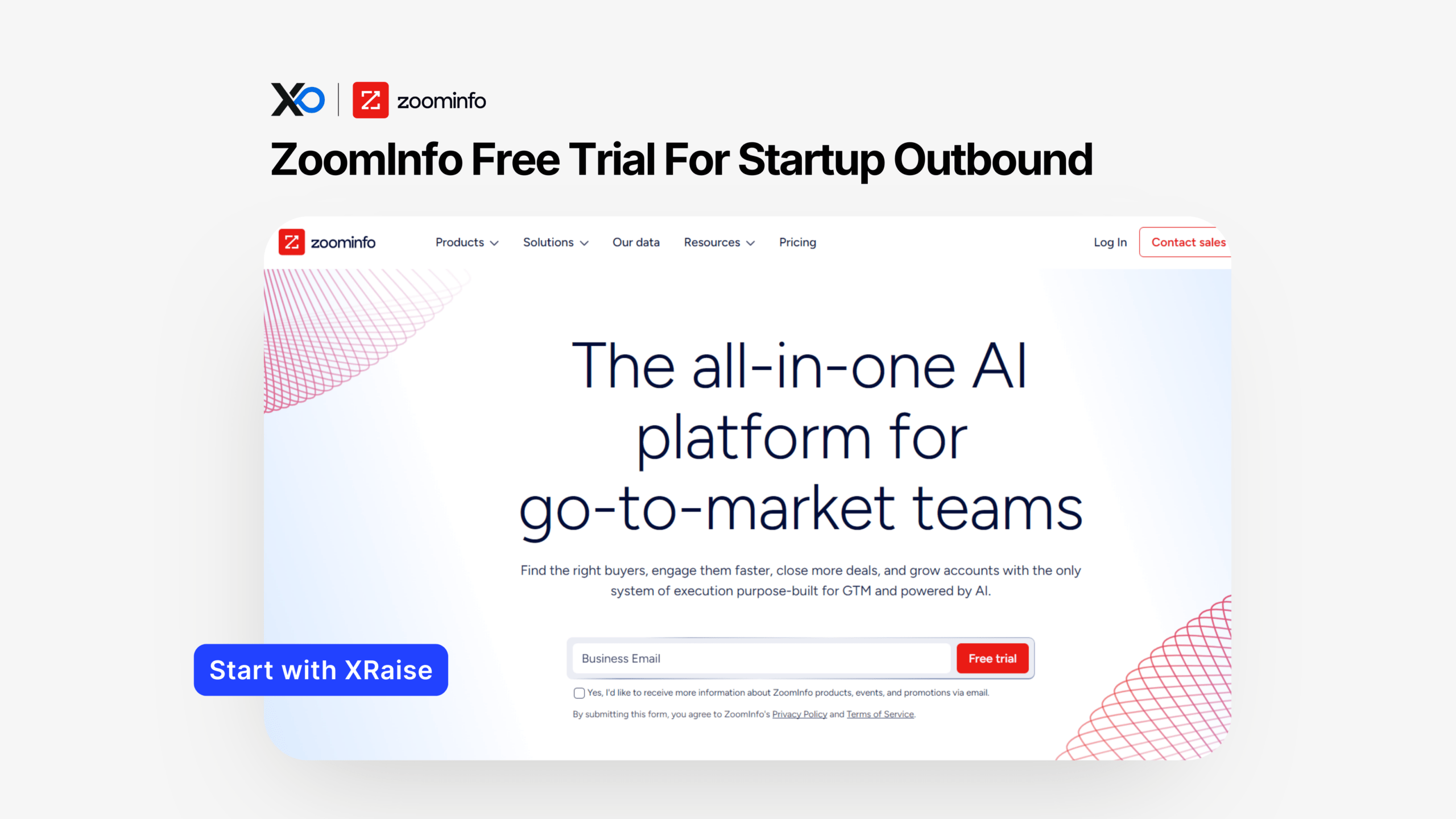
Apply for ZoomInfo if you want to pressure-test B2B targeting, account prioritization, and signal-led outbound using ZoomInfo for Startups, while keeping your perk claims organized by applying on XRaise.
TL;DR
This article provides a practical guide to Apply for ZoomInfo through XRaise, including what the free trial includes, who typically qualifies, what’s not publicly confirmed, and how to use ZoomInfo’s official pages only to confirm terms.
- What you get: free trial access to contact + company data plus AI signal workflows (with usage limits).
- Who qualifies: generally new trial users who can verify a business email; details vary.
- How to apply: apply on XRaise, then activate your trial and set up an ICP-first workflow.
- Next step: apply on XRaise, then use ZoomInfo’s official page only for terms (not for applying).
What is ZoomInfo for Startups?
ZoomInfo for Startups is a B2B intelligence workflow that helps you identify companies and decision-makers, then act on buying signals (like job changes or website visits) so outreach happens with better timing.
It’s best for founder-led sales teams and lean GTM teams who need a clear way to go from “who should we target?” to “who should we contact this week?” without stitching together five separate tools.
What do you get with this perk?
Per your perk input, the offer is free trial access to ZoomInfo’s comprehensive contact and company database plus AI-driven insights, unified data connectivity, and enrichment/cleansing capabilities across your stack.
Here’s the clean breakdown, using ZoomInfo’s official free trial page to confirm what’s included:
- B2B data access: ZoomInfo states free trial access to 500M+ contacts and 110M+ companies for lead identification and scoring.
- AI signal stacking: ZoomInfo lists triggers such as prospects changing jobs, visiting your website, or mentioning your company online.
- AI-led GTM workflows / “live canvas”: ZoomInfo describes connecting CRM, marketing tools, sales systems, and third-party data into one view.
- Core features with limits: ZoomInfo states the trial includes core platform features (contact/company search, intent signals, email outreach) with usage limits.
- No credit card required (per ZoomInfo): ZoomInfo says you can start the trial without a credit card, but you must verify a business email.
Included vs. excluded (important founder note):
Your perk input focuses on access + workflows. However, ZoomInfo is explicit that trial usage has limits, and trial terms can vary. Therefore, anything like export volume, enrichment quantity, or which integrations are included is not publicly confirmed in the perk input alone, verify on ZoomInfo’s official trial FAQ.
Who is eligible (and who isn’t)?
Because this is a free trial perk, eligibility often comes down to “new trial user + business email verification,” and ZoomInfo directly mentions verifying a business email on the trial page.
Likely eligible (high-probability fit):
- You’re a new ZoomInfo trial user (no prior trial history tied to your identity/org) (varies)
- You can verify a business email (ZoomInfo states this requirement)
- You’re evaluating sales/marketing workflows (prospecting + prioritization)
Common disqualifiers / friction points (not publicly confirmed, varies):
- You already used a ZoomInfo trial before
- You cannot verify a business email
- You’re expecting unlimited exports, enrichment, or integrations during the trial (ZoomInfo states usage limits)
Where to confirm eligibility and constraints:
Use the official free trial page and FAQ as the source of truth.
Apply for ZoomInfo on XRaise: How to apply (step-by-step)
Every “apply” step should happen through XRaise, so your team can track perks and keep the claim path consistent.
- Open the XRaise perk page.
- Click Apply Now and submit the required fields on XRaise.
- Follow the confirmation instructions provided inside XRaise.
- Create or sign in to your ZoomInfo account (use a business email).
- Verify your business email if prompted (ZoomInfo states verification is required to start).
- Start the trial and immediately set your ICP filters (industry, size, geo, job titles).
- Configure one signal-led workflow (job change OR website visit) so the trial produces an action list fast.
Apply for ZoomInfo: What it’s worth in practice
A free trial is only “worth it” if it produces a decision and a repeatable workflow. In practice, ZoomInfo’s value shows up in three places: list quality, timing, and ops speed.
Scenario 1: ICP list-building for founder-led sales
If you already know your ICP, ZoomInfo can compress the “find accounts + find buyers” step into a single workflow. That means you spend more time testing your offer and less time hunting for names.
Scenario 2: Better timing via signals (less random outreach)
If you’re doing outbound, signals help you choose when to reach out, not just who. ZoomInfo explicitly calls out signal stacking tied to job changes, website visits, and online mentions.
Scenario 3: Fewer manual data chores across tools
When your CRM fields are inconsistent, enrichment/cleansing can reduce manual cleanup. However, because ZoomInfo states trial access has usage limits, use the trial to validate whether the allowed volume is enough for your real workflow.
Apply for ZoomInfo: What to measure in 7 days
ZoomInfo says it typically offers a 7-day free trial (terms can vary). Therefore, measure outcomes that fit a one-week window: number of ICP accounts found, number of relevant buyers identified, and whether signals produce a daily call list.

Startup Perks AI Assistant
Have questions about credits? Let's chat instantly.
Apply for ZoomInfo: Tips to maximize approval + value
Your goal isn’t “try a tool.” Your goal is “ship a GTM sprint.”
Apply for ZoomInfo: Best timing for the trial
- Apply when you can run outbound this week (not “someday”), because trial time is limited and varies.
- Apply right before a campaign, event, or new vertical push, so lists and signals connect to immediate execution.
Apply for ZoomInfo: Day-one setup checklist
- Build two saved ICP views: “ideal” and “adjacent.”
- Create a top accounts list you can actually contact in the trial window (small > massive).
- Turn one signal into one action (example: “job change → outbound task queue”).
- If you connect CRM/marketing tools, keep it minimal during the trial, confirm what integrations and limits apply to your access.
Avoidable mistakes founders make:
- They export huge lists without validating the message first.
- They ignore trial usage limits and design a workflow that can’t run after day 7.
- They confuse data with demand. Data helps you aim; it doesn’t fix positioning.
If you want a broader sequencing guide (buy tools after you have proof), check this out.
Apply for ZoomInfo: Alternatives (optional)
If ZoomInfo feels too heavy for your stage after the trial, compare alternatives based on the job you’re hiring the tool for:
- Apollo.io (prospecting + outreach in one place).
- Kaspr (contact discovery workflows).
- BookYourData (list-buy approach for outbound pilots).
Choose ZoomInfo when you need deeper B2B data + signal-led workflows; choose lighter tools when you mainly need quick lists and simpler execution.
Apply for ZoomInfo: FAQ
How do I apply?
Apply on XRaise perk directory.
What do I need to qualify?
ZoomInfo states you must verify a business email to begin the free trial. Other requirements vary.
Can I stack this with other offers?
Not publicly confirmed. Stacking depends on current promotions and trial terms, which ZoomInfo says can vary. Confirm on the official trial page.
What happens after it expires?
ZoomInfo states the trial ends automatically, and you can choose whether to continue with a paid subscription.
Does it apply to all plans?
Not publicly confirmed. ZoomInfo states trial length and terms may vary by product package and other factors.
Where can I confirm the terms?
Use ZoomInfo’s official free trial page and FAQ.
For legal terms, use ZoomInfo’s Terms of Use.
What does the free trial include?
ZoomInfo states it includes core platform features like contact/company search, intent signals, and email outreach, with usage limits.
Do I need a credit card to start the trial?
ZoomInfo says no credit card is required.
How long is the free trial?
ZoomInfo says it typically offers a 7-day free trial for new users, but terms can vary.
Apply for ZoomInfo: Final Thoughts
If your startup needs signal-led prospecting, cleaner B2B data, and CRM-connected workflows, not just another list export, this perk is a strong fit, especially once outbound and lifecycle messaging become a weekly system. Apply for ZoomInfo through XRaise to activate the free trial access, validate what’s included for your workflow (data limits, exports, integrations), and keep the process centralized.
For official product details (not applying), reference ZoomInfo’s free trial overview.