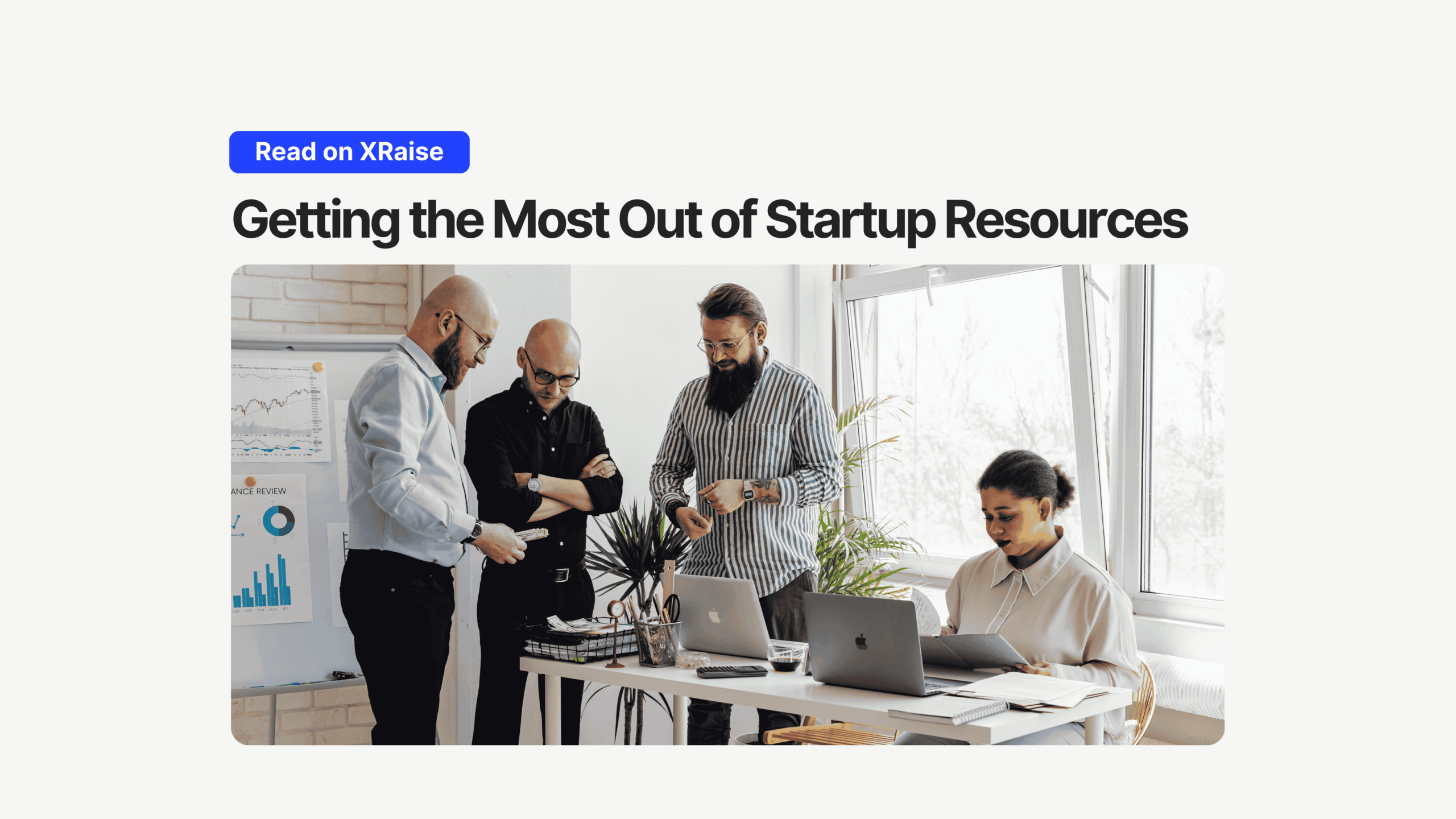
Startup resources for business startups aren’t a “nice-to-have.” They’re the difference between surviving long enough for the product to click… and dying three months too early.
TL;DR
- Your runway gets killed by leaks, not just burn: unused credits, full-price tools, duplicate subscriptions, and wasted founder hours.
- Treat “startup resources” as a system: audit → claim entitlements → score ROI → renew quarterly.
- The highest-leverage wins usually come from cloud credits + core SaaS discounts + distribution programs.
- Centralize perk discovery + tracking so you stop paying the “Google tax” on your own time.
Startup Resources Are a Runway System
Here’s the brutal truth: your startup probably won’t die because your idea was bad. It’ll die because you ran out of money right before the compounding advantages showed up.
Runway math is unforgiving. If you’re burning €12k/month, every unnecessary €1k is ~3 extra days of survival. Not motivation. Not vibes. Survival.
Most founders I talk to aren’t “bad at fundraising.” They’re bleeding resources they don’t even realize they’re entitled to: cloud credits, startup discounts, partner perks, and bundled offers that exist specifically to lock you in early.
This guide isn’t about penny-pinching. It’s about building an operator muscle: identify, acquire, and maximize startup resources for business startups so you can outlast competitors who are too busy burning cash to notice.
Startup Resources: Key Takeaways
- “Startup resources” ≠ just cash. It’s credits, discounts, time, tooling, distribution, and network.
- The biggest early wins usually come from cloud credit programs and core SaaS startup offers (if you apply correctly).
- Your most expensive resource is founder attention. Manual hunting is an opportunity-cost trap.
- Build a quarterly audit cadence, or subscription creep will quietly wreck your runway.
What Startup Resources Really Mean in 2026
When founders hear “resources,” they think money. That’s the classic mistake.
For business startups, “startup resources” are the inputs that extend runway or accelerate output without increasing burn.
Here are the core categories worth optimizing:




- Financial: cash, grants, fee reductions, credits, discounts
- Technology: cloud credits, infrastructure, software stack, dev tooling
- Time: automation, consolidation, fewer tools, fewer logins, fewer admin loops
- Knowledge: mentorship, playbooks, communities, tactical education
- Distribution: partner channels, marketplaces, co-sell programs, intros
If you’re still treating resources as “later,” read this as a warning: later is when your runway is already thin.
One practical way to think about cloud options (and avoid random guessing): Which cloud credit program is right for your startup?
The Hidden Cost of Ignoring Startup Resources
- You burn time hunting for deals.
- You miss activation windows.
- You forget renewal requirements.
- You keep paying for tools you “meant to cancel.”
- You burn attention switching between 40 tiny decisions that don’t move the company.
Two uncomfortable examples:
- You pay full price for a tool for 6 months… then discover there was a startup program the whole time. That’s runway you donated.
- You get cloud credits but never set billing alerts or cost controls, so credits evaporate and you still get surprise invoices later.
This is not a funding problem. It’s an awareness + discipline problem.
Startup Resources Audit Framework
You can’t optimize what you haven’t mapped.
Step 1: Audit your stack (what you pay for + what you use)
- List every subscription, seat, renewal date, and monthly cost
- Tag each item:
- Essential (breaks without it)
- Useful (helps, but replaceable)
- Bloat (trial leftovers, duplicates, legacy tools)
- Cancel bloat immediately. Don’t “review next week.”
If you want a quick sanity check on collaboration tools, here’s a grounded comparison: Asana vs ClickUp for startups
Step 2: Identify entitlements (credits, discounts, bundled perks)
- Accelerator or community perks still active?
- Bank account perks and software credits bundled?
- Incorporation bundles and partner offers?
- Cloud startup programs?
Start with cloud + core stack first (highest leverage).
Step 3: Score efficiency (Value generated vs. cost)
Use a ruthless ratio:
Efficiency = Value created / Total cost (money + time + maintenance)
If you can’t explain what value a tool creates, it’s a candidate for downgrade or deletion.
The Most Underutilized Categories for Business Startups
1) Cloud & Infrastructure Credits
What it is
Free cloud credits (sometimes substantial) from major providers.
Where founders waste money
- Paying retail cloud pricing while eligible for credits
- Activating credits too early (clock starts before you’re ready)
- No cost controls → credits burn invisibly
How to claim it
- Choose the program based on your stack + stage
- Prepare a clean company profile (site, deck, basic traction narrative)
- Apply through the official program or a partner flow
- Add cost alerts and budgets on day one
Real examples:
- AWS Activate can range from $1,000 up to $300,000 depending on eligibility path and use case.
- Google Cloud startup perks can include credits up to $350,000 (program-dependent).
- Microsoft for Startups offers credits and partner benefits (eligibility varies).
Helpful deep dives:
Common rejection/mistake
- No clear use case, messy documentation, or “we might build something” positioning
- Applying without a real product footprint (even a simple MVP landing page helps)
2) Core SaaS Startup Discounts (the “ask before you pay” rule)
What it is
Startup pricing tiers and discounts for tools you already use.

Startup Perks AI Assistant
Have questions about credits? Let's chat instantly.
Where founders waste money
- Clicking “Buy” because they’re busy
- Paying for overlapping tools (docs + PM + CRM + email… all duplicated)
- Keeping premium plans long after the team outgrew the use case
How to claim it
- Before you subscribe, ask one question: “Do you have a startup program?”
- Apply with a tight, credible profile (don’t look like a burner account)
- Consolidate tools where possible (one system beats five half-used systems)
- Review quarterly, not annually
If you’re evaluating comms tools, here’s a grounded take: Slack for startups: does it fit your needs?
Common rejection/mistake
- Applying after you’re already on a paid plan and expecting retroactive discounts
- No proof you’re an actual startup (or no business domain)
3) GTM Credits (pipeline without payroll burn)
What it is
Credits/discounts for outbound tooling, enrichment, and prospecting workflows.
Where founders waste money
- Buying tools before ICP + messaging are clear
- Automating outreach before you can write a good email manually
- Burning credits on sloppy lists
How to claim it
- Define ICP + offer first
- Run a small, measurable outreach test
- Upgrade only when you’re ready to deploy a real campaign
Example:
Common rejection/mistake
- Trying to claim credits with no plan to use them (vendors can smell it)
4) Build-Faster Tools (ship speed is a resource)
What it is
Tools that reduce build time and let you validate faster.
Where founders waste money
- Overengineering early
- Paying dev hours for problems no-code can solve in a week
- Buying tools with heavy maintenance overhead
How to claim it
- Use faster build routes for MVP + internal workflows
- Upgrade only when usage justifies it
If your team is early and speed matters, this list is useful: Top 10 no-code tools to build faster
Common rejection/mistake
- Switching tools every two weeks instead of committing to one stack long enough to learn it
The Strategic Advantage: Centralize + Automate the System
Manual hunting is expensive.
Not because you can’t find deals, because it creates ongoing maintenance debt:
- eligibility changes
- windows expire
- renewals get missed
- credits sit unused because nobody owns activation
That’s the real founder tax: time + attention.
This is where centralization actually matters: one dashboard, one workflow, one place to track what you qualify for and what’s expiring.
Common Pitfalls (4 punchy blocks)
- Pitfall #1 | Treating resources like “later”
- Why it happens: building feels urgent, optimization feels optional.
- What to do instead:
- Do a stack audit this week
- Cancel bloat immediately
- Put renewal dates on a calendar
- Pitfall #2 | Credits claimed, value never realized
- Why it happens: nobody owns activation and implementation.
- What to do instead:
- Assign an owner per credit category
- Add cost alerts on day one
- Start the clock only when you’re ready
- Pitfall #3 | Tool sprawl and subscription creep
- Why it happens: every problem gets a new tool.
- What to do instead:
- Consolidate
- Standardize
- Review quarterly
- Pitfall #4 | Chasing “cool perks” instead of leverage
- Why it happens: collecting feels productive.
- What to do instead:
- Prioritize cloud + core SaaS + GTM
- Use proven guides like AWS Activate credits for startups
- Track everything in one place: claim startup perks in XRaise
Startup Resources FAQs
What are the best startup resources for business startups at the earliest stage?
Start with cloud credits and core stack discounts. They’re high-leverage and don’t require “growth” to be useful.
How do I avoid wasting cloud credits?
Delay activation until you’re ready, add budgets/alerts, and tie usage to a real build milestone. (Credits expiring unused is a real pattern.)
Are perks worth the effort if I’m busy?
Yess, but only if you don’t turn it into a side quest. Centralize discovery + tracking so you spend minutes, not days.
Do these programs require being in an accelerator?
Some paths are partner/accelerator-linked, some are self-serve. The eligibility differences are exactly why you need a system (not guesswork).
What should I do before applying to discounts/credits?
Clean company basics: domain email, simple website, short product description, and (ideally) a deck or one-pager.
Final Take
Startup resources for business startups are a compounding advantage when you treat them like a system, not a scavenger hunt.
Your runway is built in small decisions: what you cancel, what you claim, what you automate, and what you refuse to pay full price for.
If you want the cleanest “do it once, track it forever” workflow: