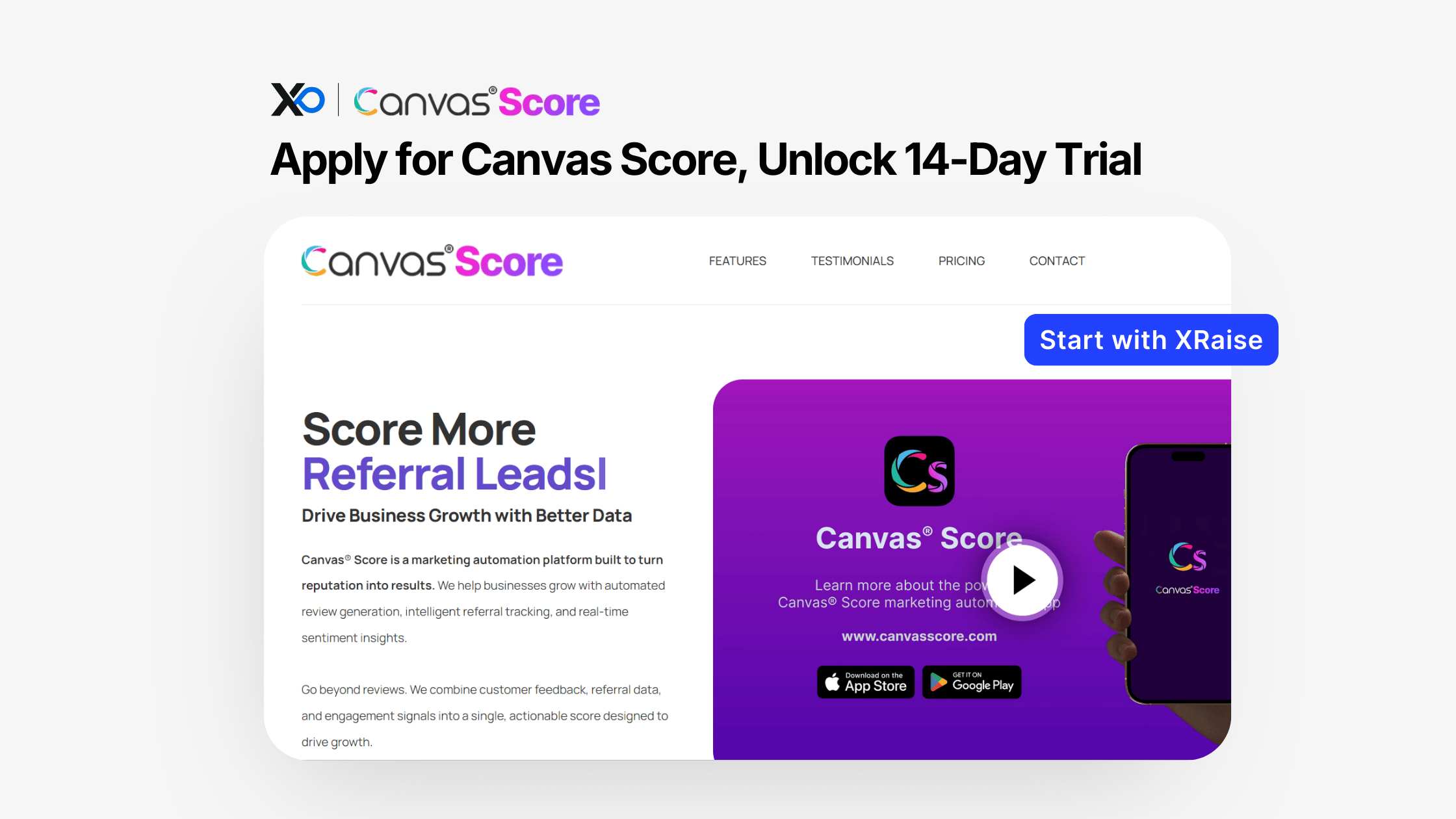
If you want to Apply for Canvas Score without juggling review requests, survey links, and referral follow-ups, this perk gives you a clean 14-day test window.
Start from XRaise so your perk stack stays organized, then use Canvas Score’s official site only to confirm terms and plan details.
TL;DR
This guide explains how the Canvas Score for Startups perk works, so you can Apply for Canvas Score on XRaise and test a repeatable reputation + referral workflow before committing.
- What you get: a 14-day free trial (no credit card required) to test reviews, surveys, and referrals in one platform.
- Who qualifies: best fit is businesses with a Google Business Profile; some features are plan-dependent.
- How to apply: open the XRaise perk page, click apply, then follow the activation steps you receive.
- Next step: apply on XRaise, then check the vendor page only for official terms/details.
What is Canvas Score for Startups?
Canvas Score is a reputation and referral automation platform that helps you collect reviews, measure customer sentiment (NPS-style surveys), and trigger referral asks from happy customers. If you plan to Apply for Canvas Score, the fastest win is running a single review + follow-up workflow consistently for 14 days.


In plain terms: it turns “ask for a review” into a workflow you can run every week, without manual chasing. It’s best for teams where trust signals drive inbound (local and service businesses, plus any business where Google reviews influence conversions).
What do you get when you Apply for Canvas Score?
With XRaise, you unlock a 14-day free trial for Canvas Score with no credit card required.
Based on the perk details provided, the trial lets you test the core loop end-to-end:
- Review management, including AI-assisted review replies
- An SEO-friendly review embed widget
- NPS-style surveys sent via email and SMS
- Referral workflows, including incentive-based campaigns on eligible plans
- Dashboard access via web and mobile app
- Google Business Profile integration (plan-dependent)
Important limitations to plan around:
- This is a free trial, not a fixed discount or credits program.
- Some capabilities are explicitly plan-dependent (for example, Google Business Profile integration and referral incentives). If a feature is critical, confirm it in the vendor’s official terms before you operationalize it.
- When you Apply for Canvas Score, treat the 14 days as an operating sprint: one workflow, real customers, measurable outcomes.
Who can Apply for Canvas Score (and who can’t)?
When you Apply for Canvas Score, eligibility is simplest if you already have a Google Business Profile and a way to collect customer email/SMS.
You’re a strong fit if:
- You have (or can set up) a Google Business Profile
- You can consistently collect customer contact info for follow-ups (email/SMS)
- You want a repeatable system for review requests, responses, and referral asks
You’re likely not a fit if:
- Reviews don’t affect your sales motion and you don’t plan to invest in them
- You need guaranteed incentives/rewards for referrals (plan-dependent)
- You’re looking for a long evaluation period (this trial is 14 days)
If any eligibility detail isn’t shown in the XRaise flow, treat it as “Varies by plan/region” and verify on the vendor terms page.
How to Apply for Canvas Score on XRaise (step-by-step)

- Go to the XRaise perk page: Canvas Score for Startups on XRaise
- Review the summary (14-day free trial, no card required).
- Click the apply/claim action on XRaise.
- Submit the details requested (use a work email and your business URL; include Google Business Profile details if asked).
- Follow the activation instructions you receive after applying.
- Set up one workflow on day one (review request or NPS), then run it on real customers during the trial.
For a broader playbook on stacking perks into runway, use: Getting the Most Out of Startup Resources.
What it’s worth in practice
The point of Apply for Canvas Score during the trial is to validate a repeatable system, not just explore features.
A short trial is enough to validate whether the workflow fits your business and whether it changes outcomes.
Scenario 1: Local/service business improving review velocity + response time
Use the trial to prove you can run a weekly cadence: request reviews after delivery, reply quickly, and embed reviews on high-traffic pages. Your success metric is consistency (not a “pretty dashboard”).
Scenario 2: Founder-led referral loop (no campaign required)
Trigger referral asks right after value is delivered (onboarding completion, milestone hit, job finished). Test email vs SMS and keep the ask simple. If you create real referral conversations from promoters, you’ve validated a loop worth paying for.
Scenario 3: Teams that need customer sentiment, fast
Run an NPS-style survey and route detractors to a follow-up process you’ll actually execute. The trial is “worth it” when feedback turns into actions (not a report).
Tips to maximize approval + value
- Apply early in the week so your trial days align with your operating cadence.
- Start with one workflow, then expand. One loop run consistently beats five half-configured automations.
- Decide reply ownership before you send requests. Response time is part of the signal.
- Don’t promise incentives unless your plan includes them (plan-dependent).
- Send your first outreach within 24 hours of activation. A 14-day trial punishes waiting.
If your feedback loop also needs product/market surveys or onboarding forms, this is a useful companion: Typeform Promo Code for Startups.
Alternatives (only if helpful)
If Canvas Score isn’t a fit, common alternatives include Podium, Birdeye, and NiceJob (feature coverage varies by plan).
If your real issue is “follow-ups keep slipping” more than reviews, start with a lightweight CRM trial instead: Folk for Startups.
FAQ
How do I Apply for Canvas Score?
Apply on XRaise using the Canvas Score perk page: Apply on XRaise
What do I need to qualify when I Apply for Canvas Score?
The clearest fit signal is having a Google Business Profile. Exact requirements can vary; the XRaise application flow will show what’s needed.
Can I stack this with other offers?
Not publicly confirmed. Assume it does not stack unless the vendor terms or your XRaise flow explicitly state otherwise.
What happens after it expires?
Not publicly confirmed. The trial lasts 14 days; confirm post-trial behavior (access limits, upgrades) on the vendor’s official terms page.

Startup Perks AI Assistant
Have questions about credits? Let's chat instantly.
Does it apply to all plans?
Not publicly confirmed. Several features are plan-dependent, so plan coverage may vary. Confirm in the vendor’s official details.
Where can I confirm the terms?
Confirm on the vendor’s official site (for details only). Apply through XRaise first so you’re in the correct perk flow.
Do I need a credit card to start the trial?
No. The perk states the 14-day free trial is available with no credit card required.
Who is Canvas Score designed for?
It’s designed for businesses that have a Google Business Profile.
Final Thoughts
Canvas Score makes reviews, feedback, and referrals something you run weekly, not something you remember to do
If you rely on Google visibility and trust signals, the 14-day trial is enough to validate the workflow.
Apply for Canvas Score on XRaise.
For plan-specific terms/features, confirm on the vendor page.