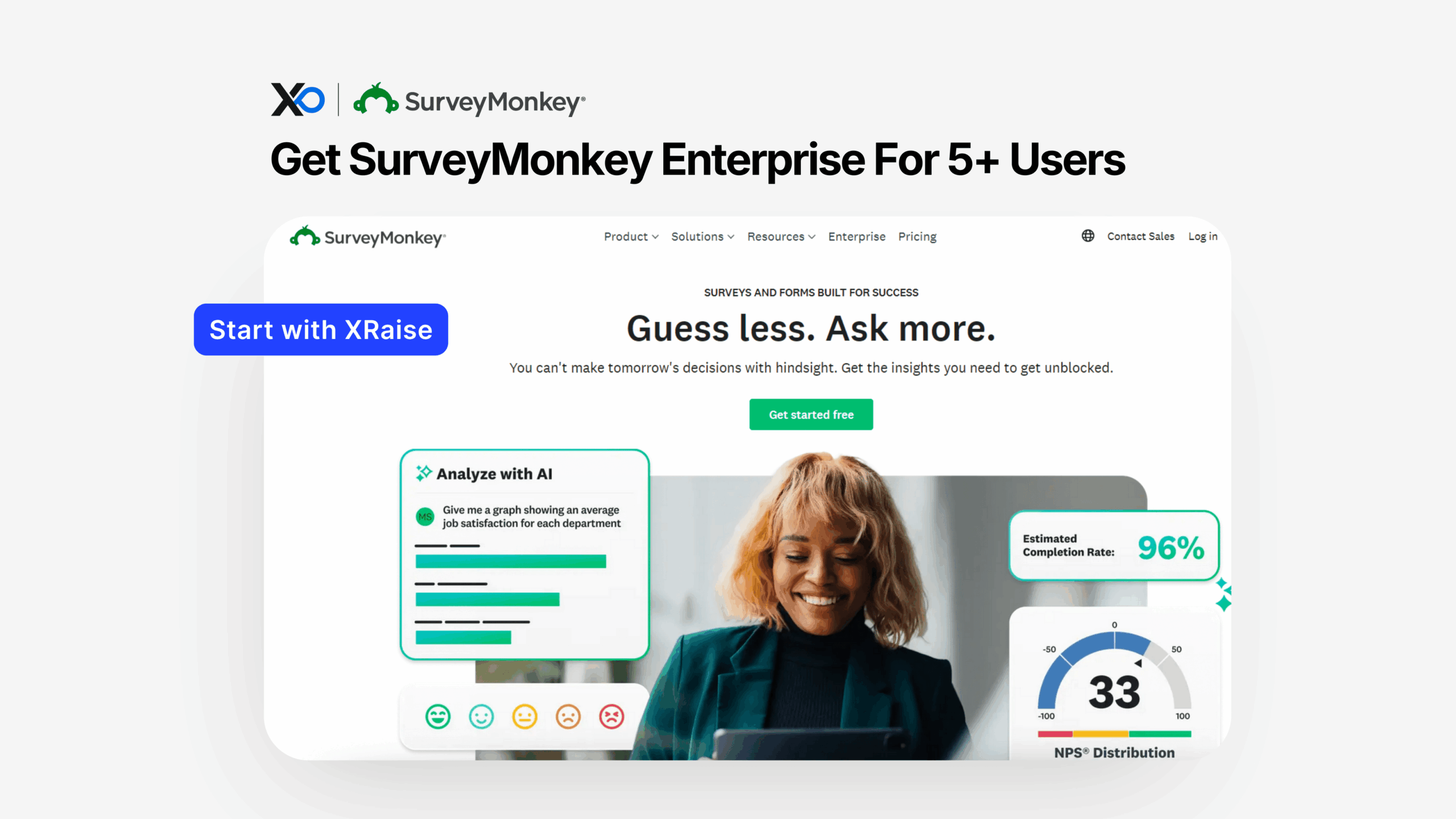
Apply for SurveyMonkey if you want SurveyMonkey for Startups with enterprise-grade SurveyMonkey Enterprise capabilities, while routing the request through XRaise first. Because this perk is positioned as exclusive enterprise access (not a public discount), applying on XRaise helps you confirm what you’ll actually receive before you commit to a sales-led plan.
TL;DR
This article provides a practical overview of how to Apply for SurveyMonkey through XRaise so you can access enterprise survey security, admin controls, and integrations without guessing.



- What you get: enterprise access features (SSO, compliance options, admin controls, 200+ integrations, premium support).
- Who qualifies: startups that need team governance/security (typically 5+ users on Enterprise) and can be reviewed for access.
- How to apply: apply on XRaise → share your startup details → receive next steps/activation guidance.
- Next step: apply on XRaise, then use SurveyMonkey’s site only to confirm official terms (not to apply).
What is SurveyMonkey for Startups?
SurveyMonkey for Startups is an XRaise perk designed to help founders access SurveyMonkey Enterprise, a survey platform built for larger teams that need security, governance, and advanced integrations. In practice, it’s best for startups that treat surveys as an operational system (customer feedback, product research, employee pulse, compliance workflows), not just a one-off form builder.
Apply for SurveyMonkey: What do you get with this perk?
This perk is described as exclusive enterprise access, meaning you’re aiming to unlock SurveyMonkey Enterprise-grade capabilities (instead of self-serve plans). However, you should treat the XRaise application as the path to validate what’s included for your startup.
Here’s what SurveyMonkey lists as core Enterprise capabilities that align with the perk description:
- Enterprise security + compliance options (SSO, and Enterprise-level compliance positioning for HIPAA/GDPR; details can vary by plan/region/data center).
- Centralized administration with roles/permissions and org-wide controls.
- Premium support/services (including 24/7 email/phone support and Customer Success Manager guidance, per the Enterprise page).
- Integrations with common systems like Salesforce and Power BI, and SurveyMonkey states it’s connected to 200+ apps.
What’s likely excluded or “verify in terms” (because it varies):
- Exact pricing, seat counts, and response limits (SurveyMonkey notes response bundles/unlimited options and that Enterprise is tailored).
- HIPAA specifics: SurveyMonkey indicates HIPAA-compliant features are an add-on available to Enterprise customers.
- Regional hosting / data residency: mentioned for Enterprise, but scope and availability can vary.
Who is eligible (and who isn’t)?
Because the perk framing is “exclusive enterprise access,” eligibility is typically less about “anyone can self-checkout” and more about whether your startup is a fit for an Enterprise motion.
Likely eligible (best-fit signals):
- You need security + governance (SSO, admin permissions, auditability) because multiple teammates touch surveys/data.
- You need integrations to push survey responses into systems like CRMs or BI tools.
- You need compliance posture (privacy controls, and possibly HIPAA add-ons for health workflows).
- You’re operating with an actual team: SurveyMonkey notes Enterprise is best suited for 5+ users.
Common reasons you may not be a fit:
- You only need a single founder to run occasional surveys (a self-serve plan or lighter tool may be simpler).
- You require a free trial: SurveyMonkey states they don’t offer a free trial for Enterprise (they offer demos).
- You need fixed, transparent pricing without a sales conversation (Enterprise is tailored).
Apply for SurveyMonkey on XRaise: How to apply (step-by-step)
Use XRaise as the primary path so your request is tracked and you’re not guessing what “enterprise access” means for startups.
- Open the XRaise perk page.
- Click Apply and submit your startup details (keep it crisp: what you’re building + why you need Enterprise).
- In your notes, state the use case that justifies Enterprise (SSO, admin governance, compliance, integrations).
- Submit, then watch for XRaise follow-up/activation instructions.
- If requested, align your internal owner: who will manage SSO/admin + who owns insights/reporting.
- Confirm what’s included (seats, response model, compliance add-ons, integrations, support level) during the activation step.
- Keep your application process tight by following this workflow mindset (it applies to perks too).
Vendor terms reference (not an apply link):
What it’s worth in practice
If you’re early-stage, “surveys” can sound small. However, Enterprise becomes valuable when surveys are tied to revenue, compliance, or organizational governance.
Scenario 1: SaaS + CRM workflow (revenue protection)
You trigger onboarding/NPS surveys at key lifecycle moments and push responses into your CRM/BI tooling. That means sales and CS work the same dataset, not screenshots in Slack. SurveyMonkey highlights Enterprise integrations with tools like Salesforce and Power BI, plus 200+ app connections.
Scenario 2: Health or sensitive-data workflows (risk reduction)
If you collect regulated or sensitive feedback, the value is in controls, admin visibility, and compliance add-ons, not prettier forms. SurveyMonkey’s Trust Center notes HIPAA-compliant features are available as an Enterprise add-on.
Scenario 3: Multi-team research (speed + consistency)
When product, marketing, and HR all run research, Enterprise admin features (roles, permissions, workgroups/divisions) prevent survey sprawl and reduce access mistakes.
For more “customer loop” thinking (especially NPS/CX), this is a useful companion review of Delighted.
Apply for SurveyMonkey: Tips to maximize approval + value
Apply when your need is obvious.
Enterprise is easiest to justify when you can name the control you need (SSO, admin governance, compliance posture, system integrations).
Apply for SurveyMonkey: Write your “Enterprise reason” in one sentence
Examples:
- “We need SSO + role-based access because multiple teams will run surveys and we must control permissions.”
- “We need to route feedback into Salesforce/Power BI so insights become actions, not reports.”
Apply for SurveyMonkey: Don’t anchor on a trial
SurveyMonkey states there is no free trial for Enterprise; plan on a demo and a commercial conversation. Therefore, use the application to confirm exactly what your startup will receive via this perk.
Decide your data stance early.
If you need HIPAA features, confirm whether you need the add-on and what paperwork is required (e.g., Business Associate Agreement).
If you’re still sequencing validation, this guide helps avoid overbuying too early.
Apply for SurveyMonkey: Alternatives (optional)
If Enterprise is too heavy, these alternatives can be better depending on your job-to-be-done:
- Typeform: better when conversion and UX polish matter most (landing pages, lead capture, lightweight qualification).
- SurveySparrow: useful when you want multi-channel feedback and ongoing survey motions (not just a single questionnaire).
- Qualtrics: often chosen for deep enterprise research programs, but it can be heavier and more complex (sometimes too much for early teams). (Use when you have a dedicated research function.)
Apply for SurveyMonkey: FAQ
How do I apply?
Apply through XRaise here.
What do I need to qualify?
At minimum, be ready to explain why you need Enterprise (security/admin controls, compliance needs, or integrations). Enterprise is positioned for teams (SurveyMonkey notes 5+ users).
Can I stack this with other offers?
Not publicly confirmed. Because Enterprise is sales-led, stacking typically depends on your agreement, confirm during activation.
What happens after it expires?
Not publicly confirmed. In most cases, you move to standard Enterprise commercial terms, confirm the renewal and pricing timeline during activation.
Does it apply to all plans?
This perk is described as Enterprise access, not self-serve plans. Also, Enterprise feature availability can differ by plan/region/data center.

Startup Perks AI Assistant
Have questions about credits? Let's chat instantly.
Where can I confirm the terms?
Use official SurveyMonkey Enterprise pages for terms/details, and use XRaise for applying.
Is there a trial available for SurveyMonkey Enterprise?
SurveyMonkey states they don’t offer a free trial for Enterprise; they offer demos.
Is HIPAA included automatically?
SurveyMonkey states HIPAA-compliant features are available as an add-on for Enterprise customers.
Apply for SurveyMonkey: Final Thoughts
If your startup needs governance, security, and integrations, not just a form, this perk is a strong fit, especially once multiple teams touch customer or operational feedback. Apply for SurveyMonkey through XRaise to confirm what “exclusive enterprise access” includes for your team and to keep the process centralized.
For official product details (not applying), reference SurveyMonkey’s Enterprise overview.