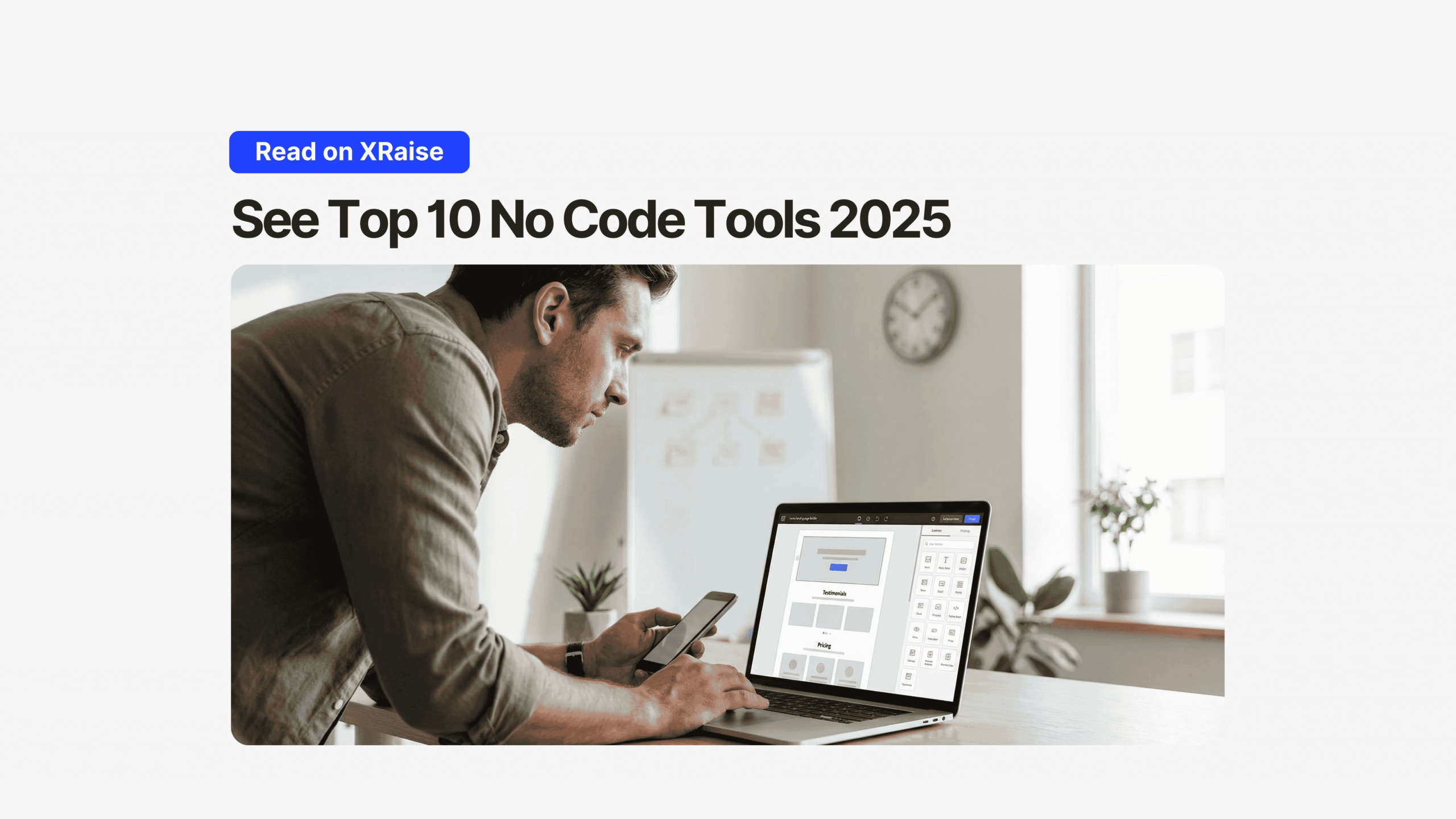
If you’re choosing no code tools 2025, you’re not just picking a website builder.
Instead, you’re picking your speed to launch, your ability to iterate, and how quickly you can test demand.
That’s why no code tools 2025 matter: you can ship pages today, update tomorrow, and learn by the weekend.
Why no code tools 2025 matter for founders
First, founders don’t lose because of “bad code.”
They lose because they ship too late.



So, the best no code tools 2025 help you:
- launch a clean site without a dev bottleneck
- publish landing pages for experiments
- update copy, layout, and sections weekly
- connect forms and lead capture to workflows
If you want to go beyond a site and build faster overall, explore more with XRaise’s Web App and XRaise’s Accelerators.
Top no code tools 2025 for building websites and landing pages
Below are the no code tools 2025 worth considering, based on real founder use cases.
1) Wix Studio (agencies + multi-site delivery)
Wix Studio is built for teams managing multiple sites and clients.
In addition, it’s designed for professional workflows and repeatable delivery.
You can explore Wix Studio directly on the official site: Wix Studio.
| No-code tool | Cost | Effort | Best for |
|---|---|---|---|
| Wix Studio | Medium | Medium | Agencies, enterprise teams |
Why it fits this “no-code builder” category:
- design-first editor for fast layout work
- strong multi-site publishing workflows
- built-in tools that reduce setup time
2) Framer (design-first + optional React)
Framer is one of the most popular no code tools 2025 for design-led teams.
Because it’s design-first, it feels closer to a modern canvas workflow.
Official product page: Framer.
| No-code tool | Cost | Effort | Best for |
|---|---|---|---|
| Framer | Medium | Medium | Designers, dev-friendly teams |
If you’re using Framer for your startup site, you can also check XRaise’s guide to the Framer promo code.
3) Webflow (high control + interactions)
Webflow is often the “closest to code” option in the no code tools 2025 list.
For example, you can control layout rules and styling in a structured way.
Official product page: Webflow.
| No-code tool | Cost | Effort | Best for |
|---|---|---|---|
| Webflow | Medium | High | Dev-minded founders, marketing teams |
If you’re building a content-led site, it’s also worth reviewing this XRaise perk guide: Webflow promo code for startups.
4) Squarespace (fast setup + polished templates)
Squarespace is a strong pick when you want a professional site quickly.
However, it’s less suited to deep customization.
Official product page: Squarespace.
| No-code tool | Cost | Effort | Best for |
|---|---|---|---|
| Squarespace | Medium | Low | Solo founders, simple sites |

5) Duda (visual building + developer mode)
Duda sits between template tools and pro platforms.
In other words, it’s one of the no code tools 2025 that works well for hybrid teams.
Official product page: Duda.

Startup Perks AI Assistant
Have questions about credits? Let's chat instantly.
| No-code tool | Cost | Effort | Best for |
|---|---|---|---|
| Duda | Medium | Medium | Agencies, developer-leaning teams |
6) Loopple (templates + components)
Loopple is useful when your output is more “dashboard UI” than marketing pages.
Still, it belongs on a no code tools 2025 list for builders who ship internal tools fast.
Official product page: Loopple.
| No-code tool | Cost | Effort | Best for |
|---|---|---|---|
| Loopple | Medium | High | Dashboards, component assembly |
7) Elementor (WordPress visual builder)
Elementor is a no-code style visual builder that runs inside WordPress.
Therefore, it’s ideal if your stack is already WordPress-based.
Official product page: Elementor.
| No-code tool | Cost | Effort | Best for |
|---|---|---|---|
| Elementor | Low–Medium | Medium | WordPress-based startups |
8) Bildr (data-driven web apps)
If your “site” behaves more like an app, Bildr can be a better fit.
So, for workflows + data, it’s one of the more “full-stack” no code tools 2025.
Official product page: Bildr.
| No-code tool | Cost | Effort | Best for |
|---|---|---|---|
| Bildr | Medium | High | Data-driven web apps |
9) Unbounce (landing pages + CRO)
Unbounce is built for landing pages and conversion workflows.
As a result, it’s one of the most practical no code tools 2025 for paid acquisition.
Official product page: Unbounce.
| No-code tool | Cost | Effort | Best for |
|---|---|---|---|
| Unbounce | Medium–High | Low | PPC, CRO, landing pages |
10) Tilda (blocks + custom layouts)
Tilda is well-known for block-based building and design flexibility.
However, it can feel complex at first, so plan for a short learning curve.
Official product page: Tilda.
| No-code tool | Cost | Effort | Best for |
|---|---|---|---|
| Tilda | Medium | Medium | Landing pages, content sites |
Comparison: no code tools 2025 side-by-side
| No-code tool | Best for | Cost | Effort |
|---|---|---|---|
| Wix Studio | Agencies, multi-site delivery | Medium | Medium |
| Framer | Design-first + React extensions | Medium | Medium |
| Webflow | CSS-like control + interactions | Medium | High |
| Squarespace | Fast, polished publishing | Medium | Low |
| Duda | Visual + developer access | Medium | Medium |
| Loopple | Dashboards + templates | Medium | High |
| Elementor | WordPress visual building | Low–Medium | Medium |
| Bildr | Data-driven web apps | Medium | High |
| Unbounce | Landing pages + CRO | Medium–High | Low |
| Tilda | Block-based + custom sections | Medium | Medium |
How to choose no code tools 2025 (quick framework)
Step 1: Start with the use case
- If you need a polished site fast → Squarespace
- If you need design speed and flexibility → Framer
- If you need deep layout control → Webflow
- If you live in WordPress → Elementor
- If you run ads and tests → Unbounce
Step 2: Then choose based on iteration speed
Because shipping weekly beats choosing “the perfect platform.”
Step 3: Finally, connect it to your growth workflow
So your site isn’t just a brochure, it’s a pipeline.
Risks and tradeoffs of no code tools 2025
- Lock-in: migrations can be painful later. Therefore, decide early.
- Performance: heavy animations can slow pages. So, keep effects intentional.
- Collaboration: permissions and roles can be gated behind plans.
- Complexity creep: more add-ons means more maintenance over time.
- Template sameness: you ship faster, but differentiation can suffer. However, speed often wins early.
Final CTA
If you want to ship faster with no code tools 2025, pick one builder and iterate weekly.
Then, keep your stack simple and your site tied to real growth experiments.
Learn more on XRaise’s Web App and explore XRaise’s Accelerators.