
TL;DR
- XRaise lists “Effortless payroll setup,” without a cash credit, percentage discount or fixed free period.
- Gusto lets businesses set up before their first payroll; ongoing payroll is a paid subscription.
- Best fit: a startup preparing recurring U.S. employee payroll and benefits administration.
- Check the live XRaise route, plan scope and recurring bill before activating.
What is Gusto for startups, and what does XRaise list?
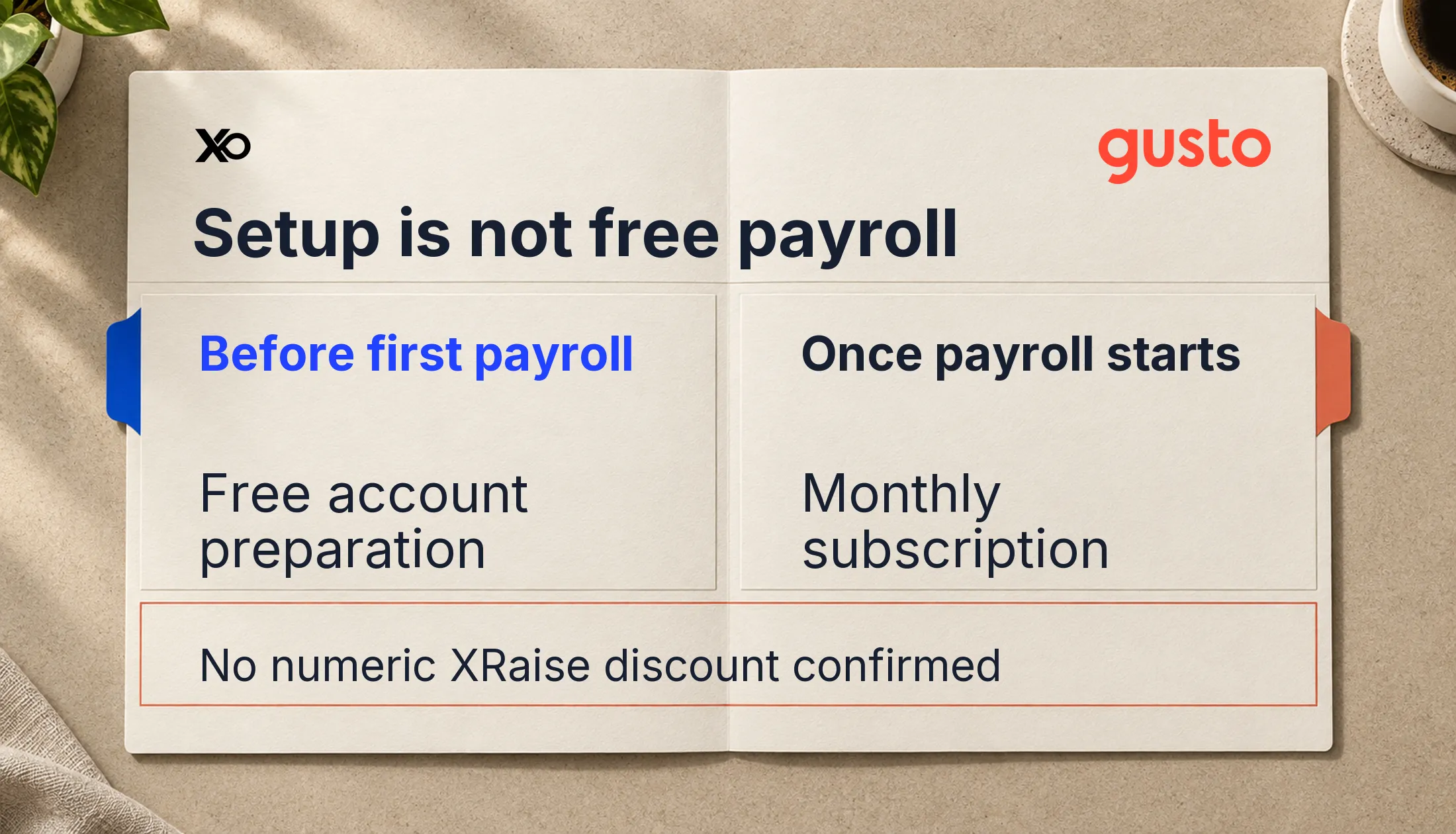
Gusto combines payroll, benefits and people operations. The current Gusto for Startups listing on XRaise describes easier payroll setup, onboarding and health insurance administration. Its headline is “Effortless payroll setup.” It does not specify discounted months, a monetary credit or an exclusive startup price.
Gusto’s startup payroll page confirms that businesses can prepare their account without paying until their first payroll. That is a setup benefit. It does not establish a time-limited free payroll trial or an XRaise-only startup program.
Related Posts





Gusto · XRaise opportunity
Gusto for Startups: effortless payroll setup
For startups evaluating payroll and HR support; confirm current eligibility, available features and pricing before applying.
| Question | Current evidence | Founder implication |
|---|---|---|
| Listed benefit | Effortless payroll setup | Evaluate workflow convenience |
| Discount or credit | Not publicly confirmed | Budget standard subscription costs |
| Eligible perk plan | Not publicly confirmed | Confirm your selected plan |
| Duration and expiry | Not publicly confirmed | Request written terms |
| Access | XRaise Apply, then sign in | Review vendor instructions |
Who can use the Gusto offer?
The XRaise page lists company name, contact name, email and sector as information applicants will be asked for. These are intake fields, not proof of provider qualification. Startup age, funding stage, employee thresholds and existing-customer entitlement are not publicly confirmed for this listing.
Gusto’s current plan help says public promotions are for new customers. That does not establish a new-customer rule for a separate XRaise benefit. An existing Gusto customer should ask whether the displayed access changes anything about their account before expecting savings.
For geography, distinguish U.S. employee payroll from international contractor payments. The provider’s startup page describes contractor support across all 50 states and more than 120 countries; it does not mean ordinary U.S. payroll plans employ staff everywhere. Confirm support for your entity and every worker location before choosing a plan.
What features matter for a small startup?
Gusto’s startup materials describe payroll tax handling, onboarding, offer letters and integrations. Its pricing page separates single-state payroll from plans with multi-state payroll and time tracking. Choose features around the work you actually need rather than assuming every tool in the XRaise description is included in every plan.

Startup Perks AI Assistant
Have questions about credits? Let's chat instantly.
Health benefits require particular care. Gusto’s health insurance page confirms no additional administration cost when Gusto is your broker. Insurance premiums still apply. Keeping an outside broker has a separate integration fee, so “no-cost administration” does not mean free insurance.
Before migrating, identify who owns payroll review, employee changes and benefit decisions. A connected platform can reduce handoffs, but your team still needs someone to check the data and respond to exceptions.
How do founders access Gusto through XRaise?
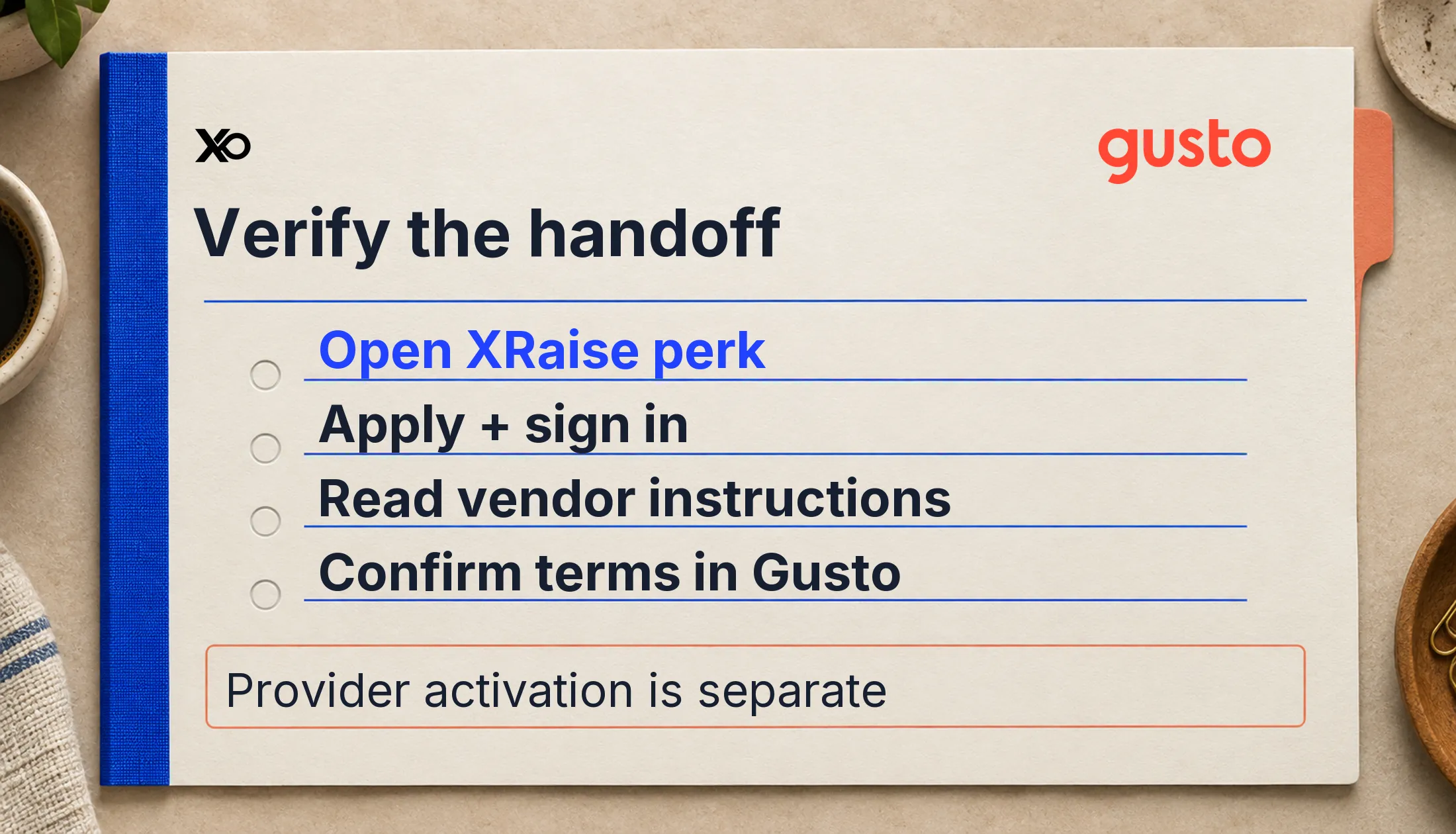
- Open the current XRaise Gusto listing and review its benefit wording.
- Select Apply and sign in to XRaise. The visible route returns to this perk in the dashboard.
- Follow the vendor instructions shown after access. The public page does not expose the final provider activation link.
- Confirm the actual plan, price, billing start and any promotional terms with Gusto before committing.
XRaise says its access approval is immediate and vendor instructions follow. Treat that as the XRaise handoff, not a guarantee of Gusto account approval, benefit activation or payroll readiness.
Prepare business, employee, banking and payroll information for provider onboarding. Do not submit payroll data just to chase an unspecified perk. Establish your first pay date and leave time to resolve setup questions before wages are due.
What will Gusto cost after setup?
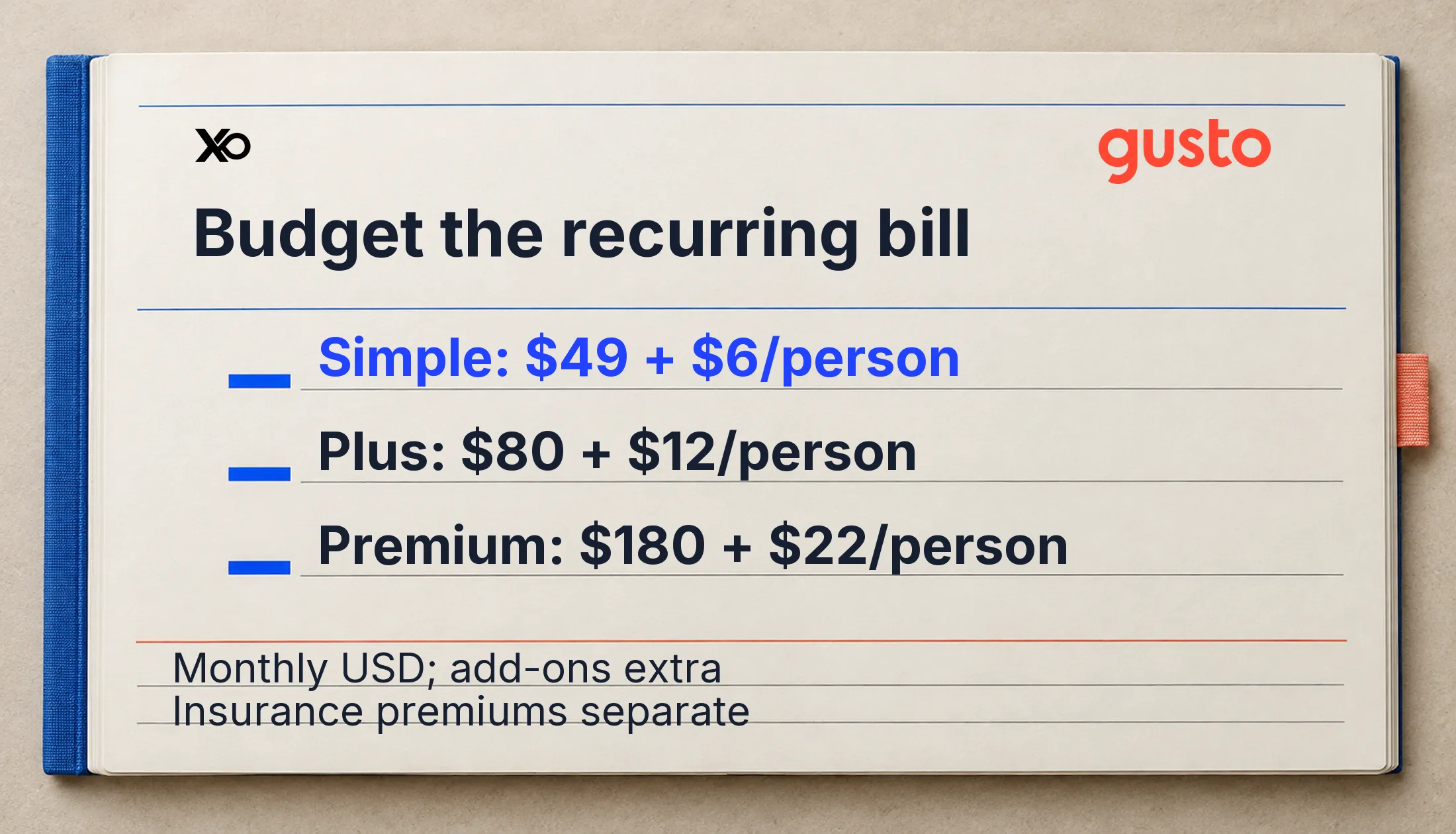
The current Gusto pricing page lists these U.S. dollar monthly rates, verified October 11, 2026:
| Plan | Monthly base | Monthly per person | Main distinction |
|---|---|---|---|
| Simple | $49 | $6 | Basic single-state payroll |
| Plus | $80 | $12 | Multi-state payroll and time tracking |
| Premium | $180 | $22 | Additional HR guidance and support |
These are standard rates, not an XRaise discount. Budget the base subscription, chargeable people and selected add-ons together. Employee wages, taxes and insurance premiums are separate from software fees.
Gusto describes month-to-month service with cancellation available. Active employees are chargeable; U.S. contractors on payroll plans are billed in months they are paid. Its current plan-change guidance explains billing in arrears and that upgrades apply immediately while downgrades start next billing period.
That guidance also says new contractor-only signups and switches ended October 1, 2026. Existing contractor-only customers keep their plan. New contractor teams should confirm an available plan rather than rely on older contractor-only promotion pages.
When is Gusto worth evaluating, and when is it too early?
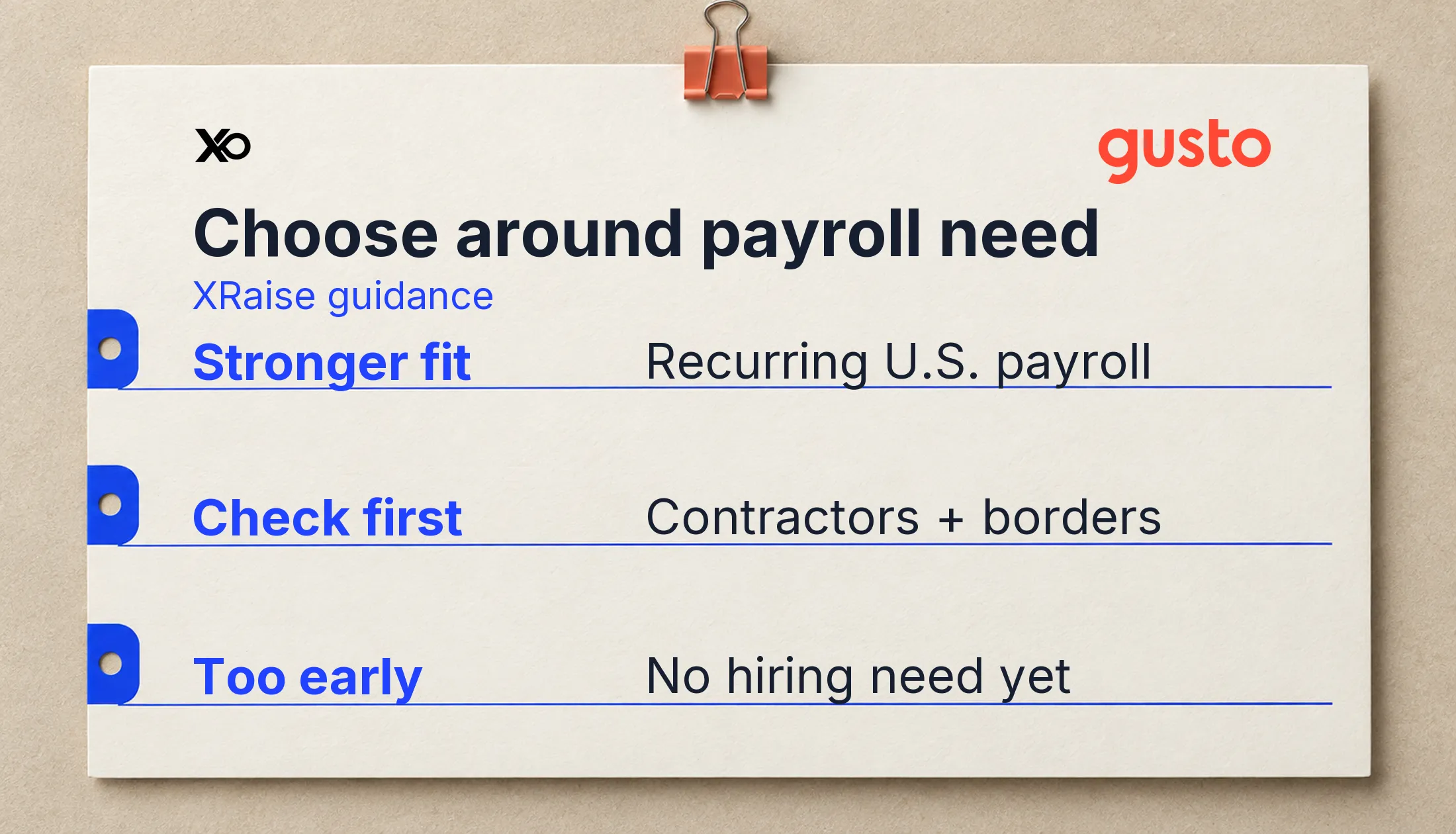
This is XRaise editorial guidance, not official eligibility. Stronger fit includes a first U.S. employee, recurring payroll, expanding worker locations or benefits that need coordination. Evaluate Gusto when these tasks already consume founder attention and a named owner can maintain the account.
Check first if your team is entirely contractors or crosses borders. Confirm the available product and full bill. It may be too early when hiring is hypothetical and nobody needs payroll yet. Free setup alone is not a reason to add recurring software.
Use the broader startup tool-stack guide to prioritize operating needs before collecting offers.
Which related operations perks should founders compare?
These solve adjacent tasks; neither replaces Gusto payroll.
Breezy HR
The verified Breezy HR listing is relevant when recruiting becomes the immediate bottleneck. Check its current trial terms separately.
Make.com
The Make.com startup listing supports adjacent automation. Confirm its partner eligibility; it does not supply payroll processing.
| Related tool | Workflow | Compare when |
|---|---|---|
| Breezy HR | Recruiting | Hiring pipeline needs structure |
| Make.com | Automation | Repeated handoffs need coordination |
What do founders commonly ask about Gusto offers?
Is Gusto free for startups?
Free account preparation before first payroll is confirmed. A permanent free payroll plan or fixed XRaise-funded period is not publicly confirmed.
Does XRaise provide a Gusto promo code?
The public listing does not display one. Follow its access route and verify any terms presented; do not assume a code exists.
Are referral bonuses the same benefit?
No. Gusto has separate referral terms. A referral incentive should not be attributed to XRaise without evidence connecting the programs.
What should you check before applying?
Explore the current XRaise Gusto offer when payroll is an actual operating need. Confirm your plan, worker locations, chargeable people, benefit fees and first billing date. Keep written confirmation of any special terms. Choose Gusto if its continuing cost fits your payroll workflow, rather than because an unconfirmed discount sounds attractive.