TL;DR
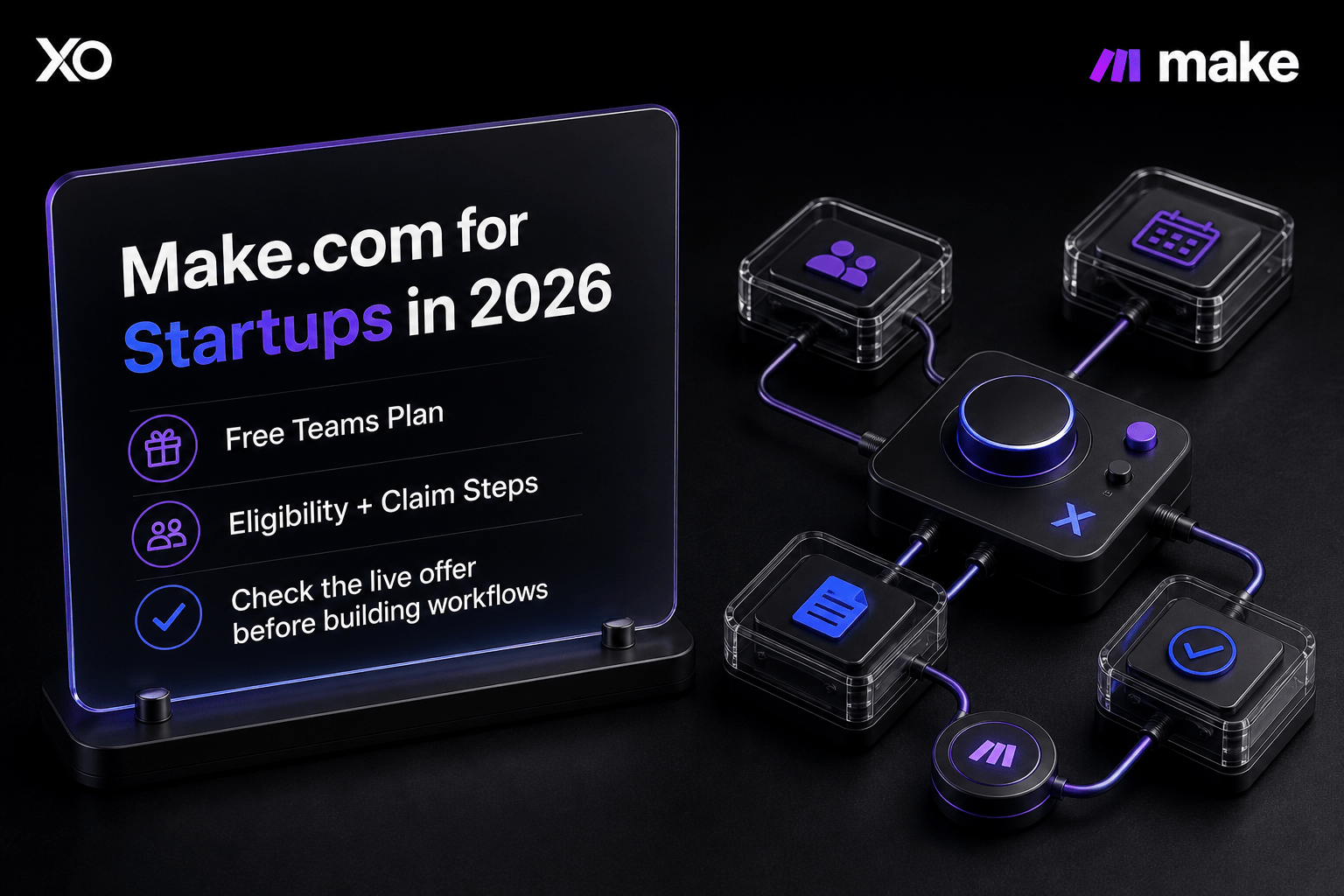
- XRaise lists a free Make.com Teams plan for eligible startups.
- The listing shows 480,000 operations for Startup Partner-backed startups and 240,000 for bootstrapped or out-of-network startups.
- Make officially describes up to six months free, followed by 50% off for three months.
- Headcount, value, duration, and usage terminology differ between sources; verify the live application.
- Claim it only when your team has a measurable workflow and a post-offer pricing plan.
What is Make.com for startups?
Make.com for startups is a current program that can reduce the cost of building visual, no-code automations. XRaise lists a free Teams plan: 480,000 operations for eligible Startup Partner-backed companies and 240,000 for bootstrapped startups or companies whose investor is not in the network. Review the current Make.com perk through XRaise before applying.
Make’s official program adds up to six months free and 50% off for three months, while its form uses 480,000- and 240,000-credit routes. Treat the live form as the final checkpoint.
What does the Make.com free offer for startups include?
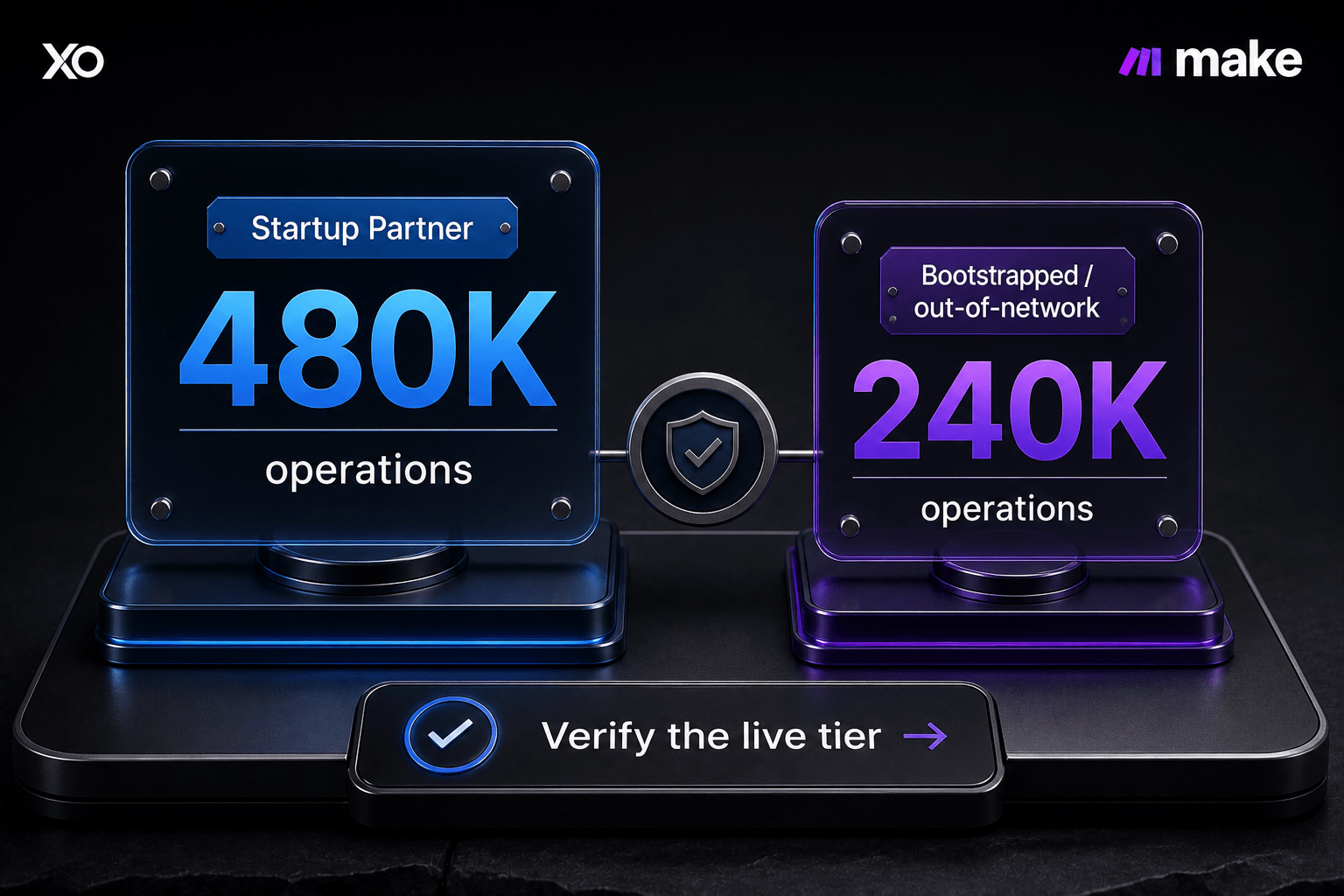
The XRaise-listed benefit is free Teams access, with 480,000 operations valued at over $1,100 for the higher route and 240,000 valued at over $600 for the alternative route. These are service benefits, not cash, and approval is not automatic.
Related Posts


Make adds the timing: up to six months free, then 50% off any plan for three months. Its form uses 480,000 and 240,000 credits. Because published values differ, rely on application terms rather than old headlines.

Startup Perks AI Assistant
Have questions about credits? Let's chat instantly.
Who is eligible for the Make.com startup program?
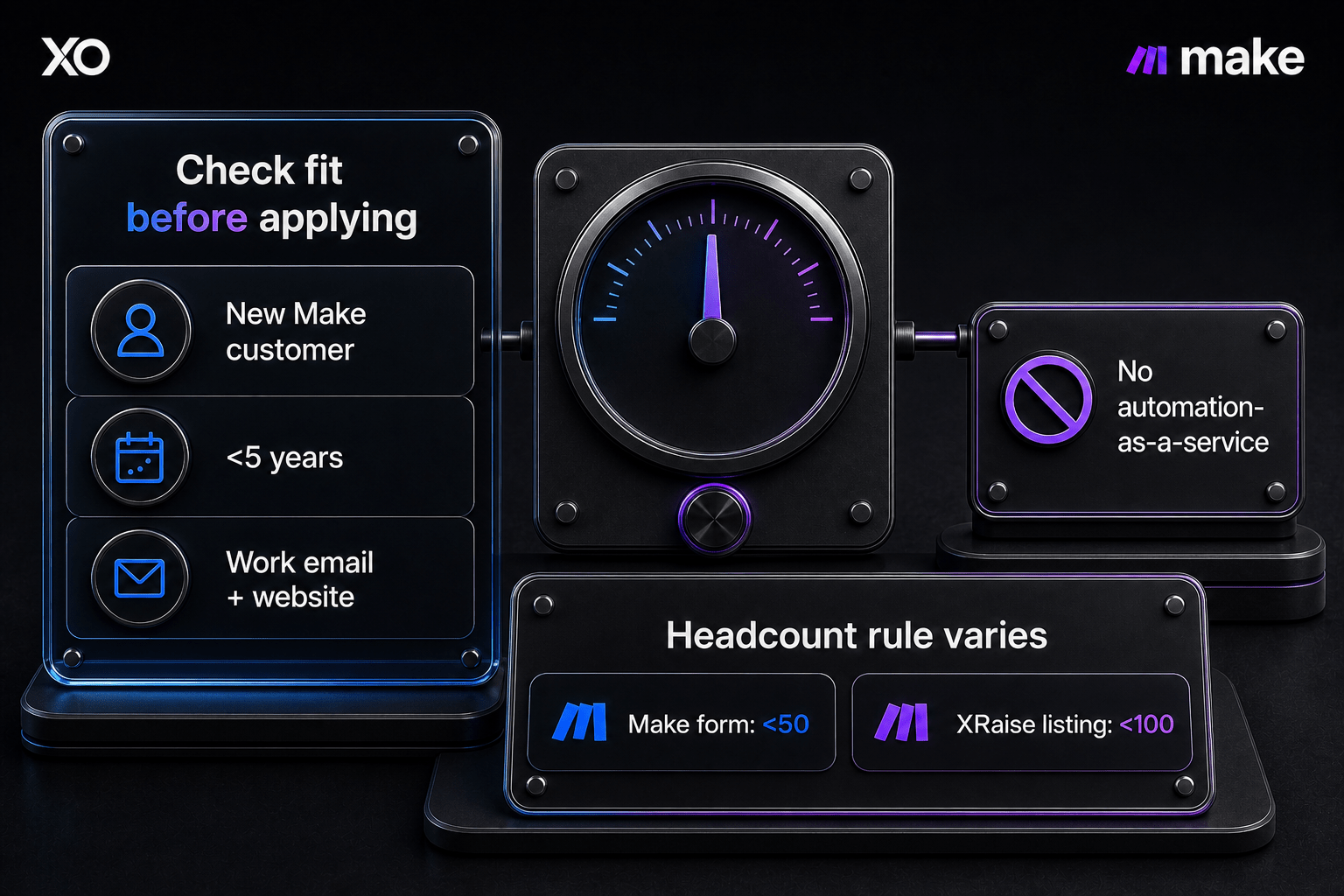
Make’s official criteria indicate that applicants should be new customers with a company website and work email, funding up to $5 million, and no automation-as-a-service business. The form adds less than five years old and fewer than 50 people. XRaise lists fewer than 100 people instead, so use the stricter form threshold until the live flow confirms otherwise.
The practical Make.com startup eligibility checklist is:
- new or non-paying Make customer;
- company website and company-domain email;
- less than five years old;
- funding below the stated threshold;
- not an automation agency or AI-automation service provider;
- headcount checked against the current application form.
Make says unsupported VC, accelerator, or incubator affiliations can be entered in the form, and bootstrapped startups can apply if they meet the criteria. The partner relationship affects the benefit tier; the live flow determines qualification.
What should founders verify before applying?
Confirm your route, whether the allowance is described as operations or credits, when the free period starts, and whether the 50% discount is automatic. Make says customers with paid plans in the last three months are not eligible. The form requests company, organization, LinkedIn, country, website, and work-email details; submission is not approval.
Estimate workflow volume before claiming. Each module action can consume credits, and Make says scenarios stop when credits are exhausted until credits are added or the plan changes. A free offer helps only if your team can monitor usage before production depends on it.
How do you claim the Make.com startup offer?
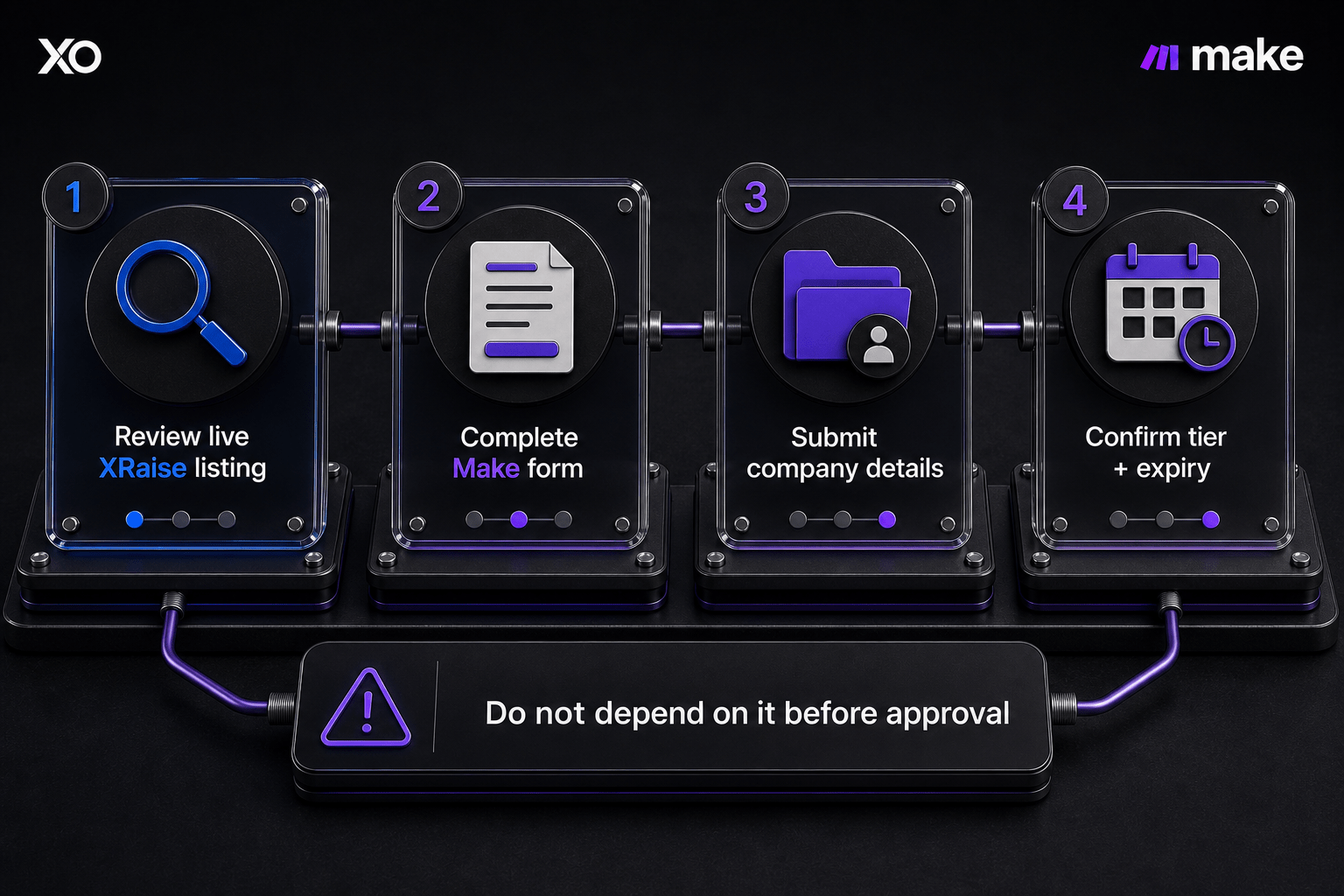
- Review the XRaise Make.com startup perk.
- Create or access the required XRaise account; the control shows Sign Up Required.
- Submit Make’s official startup program application under the relevant partner, investor, or bootstrapped route.
- Provide the requested company, organization, website, work-email, LinkedIn, country, and eligibility details.
- Confirm the awarded tier, allowance, dates, expiry, discount period, and covered plan before production use.
Do not treat the application page as proof of approval. Check billing after activation.
What does Make.com pricing look like after the offer?
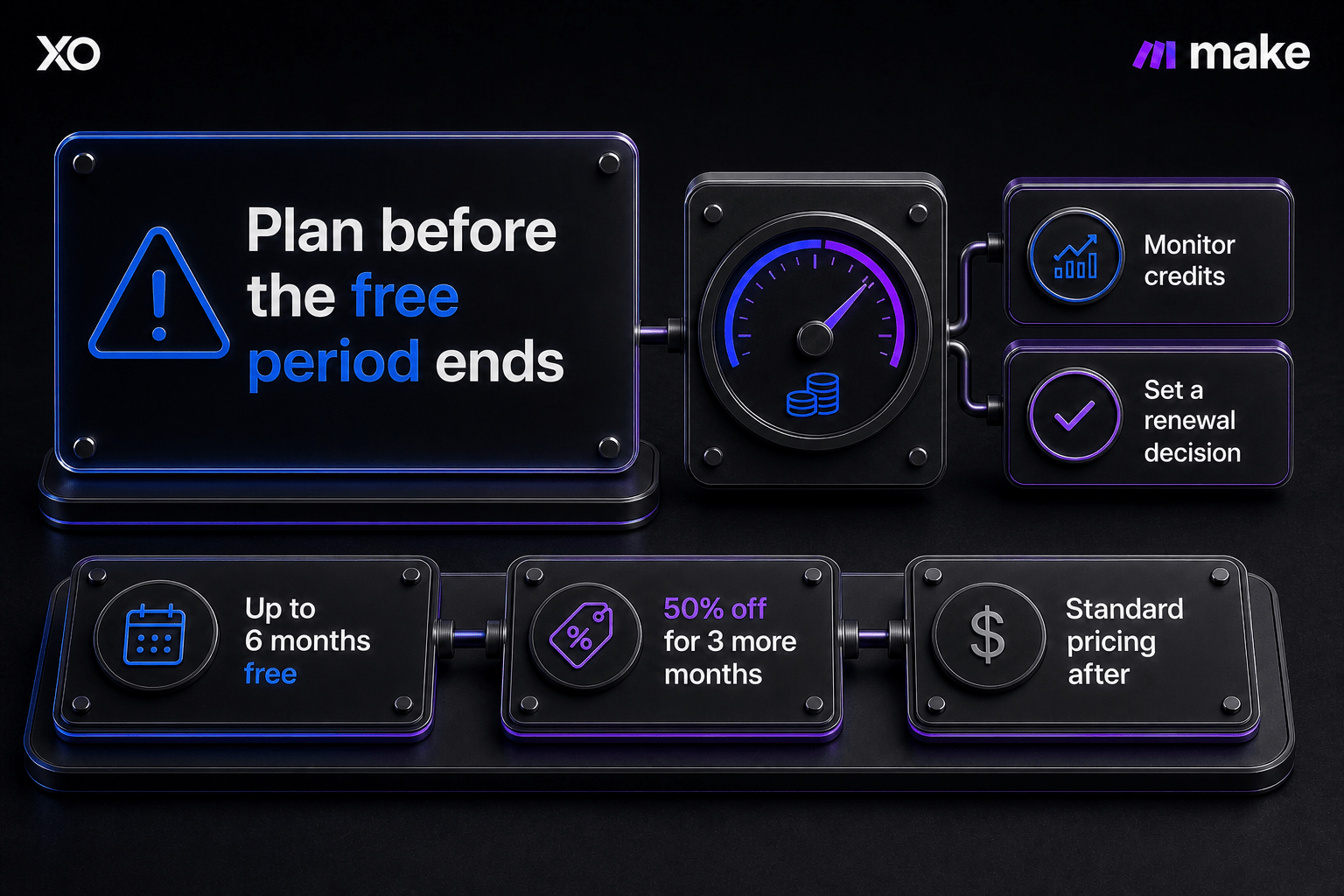
| Plan or period | Current published detail | Founder check |
|---|---|---|
| Startup-program free period | Up to six months; tier depends on route | Confirm dates, allowance, and plan |
| Follow-on discount | 50% off for three more months | Confirm automatic application |
| Teams pricing view | $29/month for 10,000 credits/month | Recheck price and volume |
| After the promotion | Standard pricing applies | Decide whether to keep or downgrade |
Make states that unused credits expire at the end of the term. Plan a meaningful workflow early, keep a usage alert, and set a post-offer budget.
The current displayed Teams pricing is $29/month for 10,000 credits/month, but founders should recheck live plan pricing before the promotional period ends. This is not a guaranteed startup-program renewal price.
What are related startup perks to compare with Make.com?
These are related XRaise startup perks, not direct Make replacements. Compare them when the bottleneck is infrastructure, CRM, communication, or project management.
Google Cloud for Startups
Google Cloud for Startups fits cloud hosting and AI infrastructure; Make can orchestrate those services but does not replace them.
HubSpot for Startups
HubSpot for Startups fits teams whose first bottleneck is CRM and customer lifecycle management.
Slack for Startups
Slack for Startups supports internal communication and alert delivery when coordination is breaking down.
Asana for Startups
Asana for Startups fits teams that need task ownership and project visibility first.
| Related perk | Best for | When to compare it |
|---|---|---|
| Google Cloud | Cloud and AI infrastructure | Compute or hosting comes first |
| HubSpot | CRM and customer lifecycle | The funnel is the bottleneck |
| Slack | Team communication | Coordination is breaking down |
| Asana | Project and task management | Ownership needs clarity |
What should founders ask about Make.com for startups?
Is the Make.com startup program active in 2026?
Yes, but route, terms, and approval still control the benefit.
Does Make.com offer a free plan for startups?
XRaise lists a free Teams plan, while Make describes up to six months free and 50% off for three months. It is not permanent.
Who qualifies for Make.com startup eligibility?
The main checks are new-customer status, website, work email, age and funding limits, and no automation-as-a-service business. Headcount differs, so confirm it directly.
How do startups claim the Make.com free offer for startups?
Review the XRaise listing, complete the account step, and submit Make’s official application. Do not build around the benefit until tier, allowance, dates, and expiry are confirmed.
What happens after the Make.com startup discount ends?
The official program gives 50% off for three months after the free period; standard pricing follows. Recheck plan, volume, expiry, and billing.
Is Make.com for startups worth it for an early-stage team?
Make.com for startups is worth testing for measurable cross-tool work such as lead routing, onboarding, reporting, or customer handoffs—not merely because a free Teams plan exists.
Confirm the live tier and eligibility, assign a workflow owner, set a usage budget, and choose a post-offer decision date. Then review the Make.com startup offer through XRaise before the team depends on it.