TL;DR
- XRaise lists a random $5–$500 RunPod bonus; the maximum is not guaranteed.
- Provider referral rules add deposit, signup and regional conditions; confirm the XRaise activation route before funding.
- Runpod’s separate Startup Program has selective Starter and Growth tiers.
- Benchmark one workload and include storage, worker startup and idle time in your cost model.
XRAISE STARTUP PERKS
Explore Startup Perks on XRaise
Browse available startup perks, credits, and software offers on XRaise.
Browse Startup PerksWhat RunPod credits does XRaise currently list?
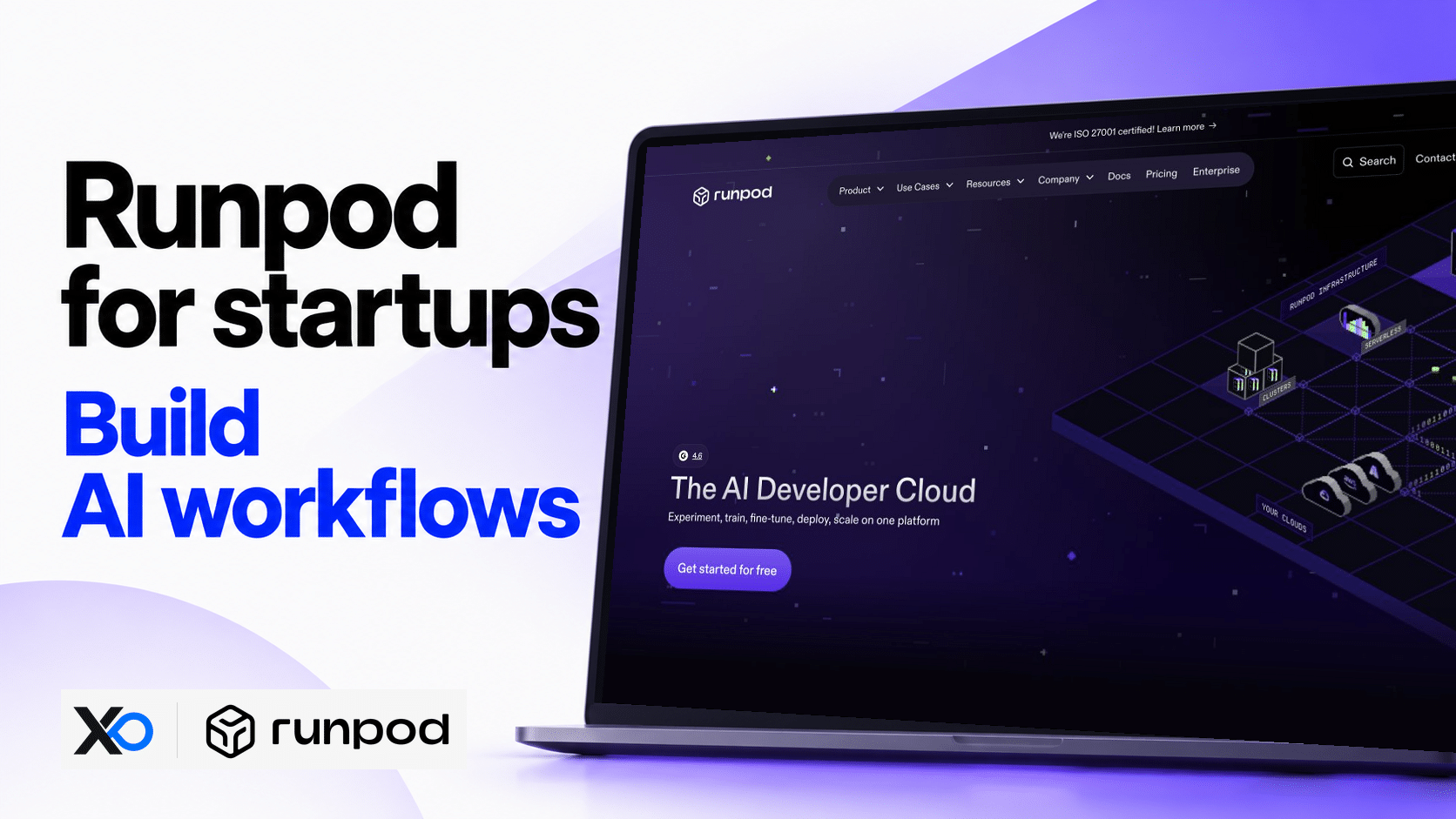
Runpod supplies GPU infrastructure for AI workloads, including dedicated Pods and autoscaling Serverless workers. The current XRaise RunPod listing advertises a random credit bonus between $5 and $500. It is a listed offer, not a guaranteed $500 award or a verified universal RunPod promo code.



The listing describes a bonus upon signup. Its public page does not establish the exact vendor activation link, expiration or how its offer maps to Runpod’s referral rules. Resolve that difference before depositing money; do not interpret the listing’s “risk-free” wording as a refund commitment.
How do public referral credits differ from the XRaise offer?
Runpod’s current referral documentation requires an eligible referral signup using Google SSO, a first-time user, signup after June 15, 2025 and at least $10 loaded into the account. Non-European customers receive a weighted random $5–$500 bonus; European customers receive $5. The provider says most non-European awards are $5 and about 96% are $10 or less.
Those are public referral conditions, not independently confirmed XRaise-specific instructions. An older provider article describes both parties spending $10, while the dedicated referral guide specifies the referred account loading $10. Prefer the dedicated rules for that program and confirm the actual claim route. Do not invent allocation odds for a different partner offer.
Is there a separate Runpod Startup Program?
Yes. The official Startup Program presents a Starter tier with $1,000 in credits and a Growth tier requiring a $50,000 upfront commitment for $25,000 in bonus credits under a 12-month agreement. Neither is the XRaise-listed random bonus.
It targets startups with real AI workloads, near-term infrastructure needs and a path to scale. Venture backing is strongly preferred; the provider reviews applications selectively. New customers are the main audience, while existing customers should ask about case-specific eligibility. Do not count either tier as secured runway until accepted and its terms confirmed.
How should you review the XRaise claim route?
- Open the current listing and select Apply; the observed route requires XRaise sign-in.
- Review the requested company, name, email and sector fields.
- Obtain the vendor instructions before creating or connecting a Runpod account.
- Confirm referral versus partner eligibility, required signup method, deposit and regional award.
- Record the granted balance, covered charges and expiry before running a benchmark.
No account, application or payment was submitted in this review. The public listing’s approval message does not prove vendor credit issuance. If instructions conflict, clarify them before spending rather than creating another account or assuming a bonus will arrive.
Which product fits your GPU workload?
XRAISE GUIDANCE: Keep the existing workload-first decision. A runnable container, defined success metric and shutdown owner matter more than the advertised maximum credit.
| Product | Useful starting point | Main cost question |
|---|---|---|
| Pods | Debugging, notebooks, training or sustained sessions | How much dedicated time is idle? |
| Serverless | Bursty API inference | What do startup, execution and waiting cost? |
| Instant Clusters | Workloads proven to scale across nodes | Does utilization justify the larger exposure? |
| Public Endpoints | Testing supported pre-deployed models | What is the model-specific output price? |
Measure successful outputs per dollar, memory headroom, p95 latency, failures and engineering effort. Compare two viable configurations. A faster GPU can be cheaper per completed task; a lower hourly price does not establish lower total cost. Availability varies, and a stopped Pod does not reserve its previous GPU slot.
How does Runpod GPU and Serverless pricing work?
Use the live GPU pricing page with the correct cloud type, GPU and unit. Published examples change; an hourly equivalent for Serverless is not a monthly subscription or a price for one request. The deployment console controls the available configuration and rate.
Pod pricing rules describe per-second compute billing, with an account balance sufficient for one hour of the selected on-demand configuration. Three- and six-month prepaid savings plans cover compute, not storage, and are non-refundable.
Serverless billing runs from worker start to full stop, rounded up to a second. Model loading, execution and idle-timeout waiting can be billable. Flex workers scale to zero; active workers stay running. A scaled-down worker is not billed for compute, but retained storage can still cost money.

Startup Perks AI Assistant
Have questions about credits? Let's chat instantly.
What storage and billing costs survive a stopped workload?
The billing guide documents these USD rates, checked October 18, 2026:
| Storage | Published rate |
|---|---|
| Running container or volume disk | $0.10/GB/month |
| Stopped Pod volume disk | $0.20/GB/month |
| Standard network volume below 1 TB | $0.07/GB/month |
| Standard network volume above 1 TB | $0.05/GB/month |
Container and Pod volume disks are metered per second; network volumes are billed hourly. Pod documentation states no ingress or egress fee. This does not make storage free.
Deposited credits are non-refundable. Auto-pay can reload the account; stopping compute does not disable it. A zero balance can cause interruption and unrecoverable data loss. Back up critical data externally and remove unused resources deliberately.
Which related GPU offer should you compare?
Compare eligible compute, deployment effort and ongoing cost, rather than headline credits alone.
Lambda
The verified Lambda XRaise listing offers up to $7,500 in credits. Review its eligibility and actual workload fit; a larger credit amount does not guarantee approval or a cheaper production deployment.
| Comparison | Founder decision |
|---|---|
| Lambda | Does the eligible GPU workflow fit better after credits? |
What should founders know before relying on credits?
Is a $500 RunPod credit guaranteed?
No. XRaise lists a random range. Public referral awards also vary by region and weighting; confirm which program applies to your account.
Does Runpod offer free credits to every startup?
No universal entitlement was verified. Referral rewards have conditions, while the separate Startup Program requires selective approval.
Is Runpod cheaper than alternatives?
That depends on the workload, utilization, storage and reliability requirements. Compare cost per completed output using equivalent configurations instead of declaring a universal winner.
What happens when credits run out?
Paid resources require a funded balance. Configure alerts, review auto-pay and preserve backups before the balance ends; storage and data-loss risks remain.
What should you do before scaling spend?
Verify the XRaise activation terms first, then run one bounded GPU test. Record the awarded credit and actual billable costs. Continue only when performance, operations and cost per useful output justify ongoing Runpod spend.