

A startup Company OS in Notion is a shared operating layer that connects company direction, decisions, delivery and knowledge. It gives people a reliable starting point for understanding the business and finding the authoritative record. It does not require moving every task, customer record or financial transaction into Notion.
The warning sign is familiar: one founder explains a priority in Slack, another changes a project tracker, and a new teammate follows an outdated document. Everyone is working, but they are working from different versions of the company. The solution is clearer ownership and information flow, not a larger template.
TL;DR
- Organize around four responsibilities: Direction, Decisions, Delivery and Knowledge.
- Give important records an owner, a canonical source and a review trigger.
- Start with one home page, a few active records and links to specialist systems.
- Keep detailed execution where the team actually updates it; connect the context in Notion.
- Add structure when handoffs or retrieval fail, rather than at an arbitrary headcount.
- Treat AI and templates as assistance; neither supplies ownership or maintenance.
What is a startup Company OS in Notion?
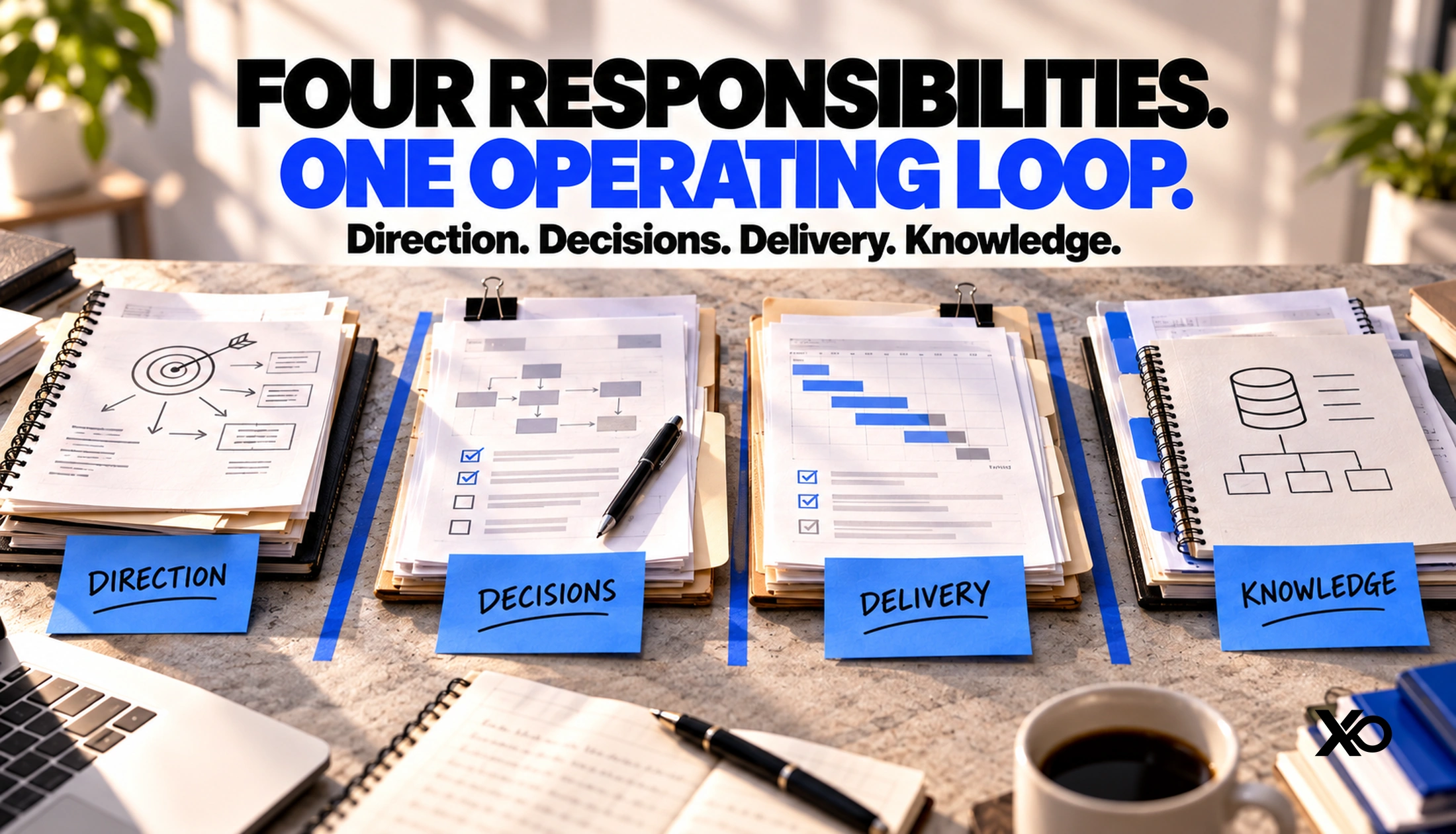
A Company OS is the set of shared records and routines that helps a team answer four questions: Where are we going? Why did we choose this? What is happening? What have we learned? Notion can connect those answers through pages and databases, while specialist applications continue to own their operational records.




This guide uses an XRaise editorial framework: Direction → Decisions → Delivery → Knowledge. Direction sets priorities. Decisions explain commitments and trade-offs. Delivery connects those commitments to accountable work. Knowledge preserves what the team needs again. A recurring review closes the loop by using experience to update direction.
These are responsibilities, not four mandatory databases. People, permissions and operating rhythm run across all four. A three-person company might cover them with a home page and two small collections. A larger team may need several carefully owned areas without changing the underlying logic.
The minimum rule for every important record is owner + canonical source + review trigger. The owner keeps it useful. The source identifies where changes belong. The trigger says when it must be reconsidered. If nobody can name these, the record is decoration rather than infrastructure.
XRaise’s Notion workspace overview covers the product and its broader capabilities. Here, the question is how to design the operating rules after choosing Notion, rather than whether its feature list is attractive.
When does your startup need more structure?
You need a Company OS when coordination depends too heavily on memory or repeatedly asking the same person. Signals include contradictory priorities, unexplained decisions, unclear project ownership and new hires who cannot find the current process. These problems can appear before the first employee or much later.
Do a retrieval test before building. Ask two teammates to find the current priority, the reason behind a recent commitment and the correct place to update a project. If their answers differ, fix those paths first. A missing database is not automatically the cause; the team may already have three competing versions.
A startup Company OS in Notion should reduce the number of places people must check. If a proposed dashboard adds another status update obligation without retiring one, it probably increases the problem. Measure usefulness through real work: can a teammate act correctly without a founder explaining the missing context?
The minimum viable Company OS
Begin with a Company Home that points to current priorities, active initiatives, important decisions and useful guidance. The home page is navigation, not a warehouse. Put the information people need this week ahead of historical material and elaborate department maps.
For an early team, a priorities page plus a small initiatives collection and a combined decisions-and-docs collection can be enough. Use a type property or clear titles to distinguish records before creating separate databases. Meeting notes can live beside the work they discuss. Add a separate collection only when volume, access or retrieval makes it useful.
| Component | Owner and update trigger | What breaks when stale |
|---|---|---|
| Company Home and priorities | Founder; change when commitments change | People optimize for the wrong outcome |
| Initiative record | Accountable lead; update before review or on a blocker | Other teams cannot plan dependencies |
| Decision record | Decision owner; record when committed, revisit on trigger | Old debates restart without evidence |
| Working guidance and onboarding | Process owner; revise when the process changes | Teammates repeat obsolete steps |
Every initiative needs a short outcome, accountable owner, current state, next decision and link to the actual execution system. A long task inventory is optional. Every reusable guide needs its purpose, owner and a way to tell whether it remains current. Start with information the team already uses rather than importing an entire archive.
Keep Company Home stable enough to become a habit. A new teammate should not need to understand the workspace architecture to find the priorities. Put a short “where truth lives” guide near the top, including links to systems outside Notion. This is more useful than a decorative collection of every tool logo.
How a Notion startup workspace should evolve
Use team size as a rough illustration of coordination needs, not a maturity score. A distributed five-person team may need stronger documentation than a colocated team of twelve. Sensitive work may require restricted areas from the beginning.
| Illustrative team stage | Add when needed | Keep lightweight or defer |
|---|---|---|
| Founders / roughly 2–5 | Shared priorities, decision notes, active work and source map | Department spaces and elaborate automation |
| Small team / roughly 5–10 | Explicit record owners, onboarding path and recurring review | Separate databases for every meeting type |
| Cross-functional / roughly 10–25 | Shared initiative context and clear handoff rules | Parallel copies of specialist-tool status |
| Scaling / roughly 25+ | Delegated stewardship, permission reviews and archive routines | Governance that nobody can maintain |
The progression is minimum OS, then ownership and rhythm, then cross-functional coordination, then delegated governance. Those needs overlap. Do not wait for a particular headcount to fix a broken permission boundary or an ownerless process.
Consider a fictional eight-person startup launching a paid tier. Product owns the launch outcome, engineering tracks implementation in its issue tool, and sales owns opportunities in the CRM. Notion holds the launch brief, decision rationale, readiness questions and links to those authoritative systems. Adding a second engineering task database would not improve that handoff.
When the company grows, preserve these boundaries. Create a team-specific view of the shared initiatives rather than another manually maintained portfolio. Split records only when they have different owners, access requirements or operating rhythms. “We hired a department head” is not, by itself, a reason to duplicate the company’s data.
How to design a single source of truth
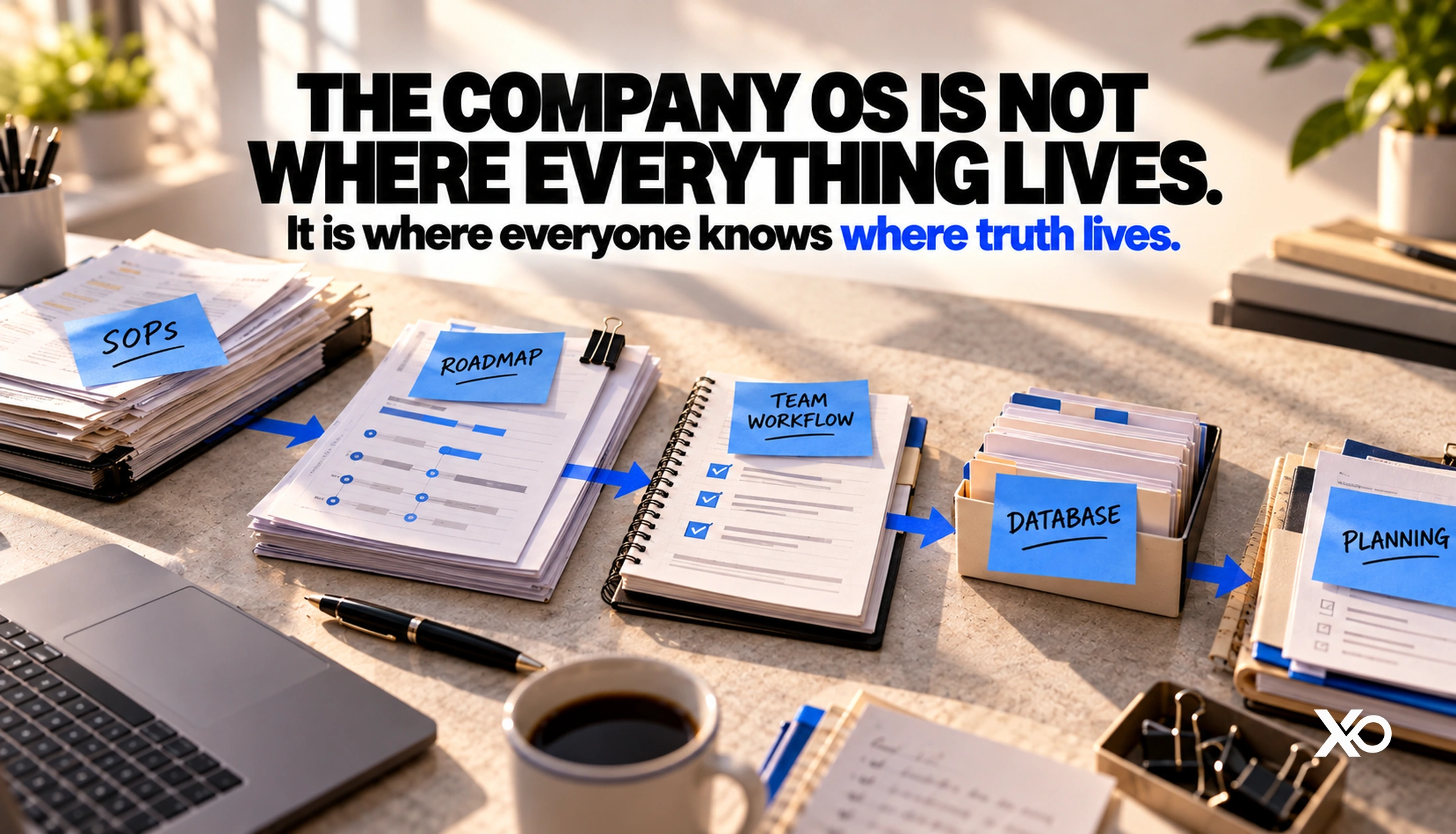
“One source of truth” means one authoritative place for a particular record, not one application for the entire business. The CRM can own deal stage, accounting can own the ledger, and Notion can own a strategic decision. Make those assignments explicit enough that a teammate knows where to correct an error.
Use three rules. Write at the source. Link from context. Retire competing copies. A weekly review can link to a live sales report and explain its implications without recreating the pipeline. A launch brief can summarize a risk while linking to the engineering issue that owns its resolution.

Startup Perks AI Assistant
Have questions about credits? Let's chat instantly.
Within Notion, prefer views of existing data over copied collections when the same records must appear in several places. Notion’s data-source documentation distinguishes local view settings from underlying records: edits to linked source pages or properties affect the original data, while view filters and sorts can differ. That is shared data, not an independent backup.
Label summaries with an owner and an “as of” date when they can age. Distinguish historical snapshots from current status. A board-approved plan should remain a dated record even after priorities change; the home page should point to the current plan. Silently overwriting history and presenting obsolete material as current are different failures.
When sources disagree, the owner resolves the underlying record first, then removes or labels the derivative copy. Do not settle the conflict by creating a third “master” spreadsheet. The strongest Company OS is not where everything lives. It is where everyone knows where truth lives.
Build a decision log people will actually use
Record decisions that change direction, commit resources, establish a reusable rule or affect another team. Do not log every conversation. A useful test is whether a future teammate would make a worse decision without knowing why this choice was made.
Keep the visible schema small: decision title, owner, date and revisit trigger. Put context, options, decision and reason in the page body. Add links to affected initiatives or evidence. Separate the accountable decision owner from people consulted; otherwise a long participant list can hide who is responsible.
A fictional entry might read: “Keep engineering delivery in Linear.” Owner: product lead. Date: the day agreed. Context: launch status is being copied into two places. Options: migrate all tasks, maintain both, or link the existing tracker. Decision: link it from the Notion launch brief. Reason: preserve the team’s actual execution workflow. Revisit trigger: that workflow no longer supports cross-functional visibility.
The trigger matters more than a ceremonial review date. A customer requirement, staffing change or failed experiment can reopen a decision earlier. When a decision changes, create a linked successor or clearly dated amendment. Preserve the old reasoning so people can distinguish a deliberate reversal from organizational amnesia.
Projects, tasks and startup operating rhythm
A project or initiative represents an outcome involving several pieces of work. A task is an action someone can complete. The Company OS needs visibility into outcomes; it does not necessarily need a copy of every task. Confusing these levels produces dashboards full of activity without a clear business result.
Notion project tracking can be enough when the team has straightforward assignments, a manageable shared backlog and little need for specialized delivery controls. Move detailed execution to a specialist when the real workflow depends on engineering issue relationships, release practices, complex dependencies or specialized reporting. Choose based on the missing capability, not prestige.
For broader execution needs, XRaise’s Asana overview provides a separate product introduction. Keep any procurement decision grounded in current vendor documentation; the Company OS decision is which system owns execution and how its context connects to the company’s priorities.
A weekly operating review should consume existing records. Initiative owners update the canonical state before the review. The meeting identifies exceptions, resolves decisions and assigns follow-up work in the execution tool. Capture the outcome in the decision log or initiative, rather than leaving it only in a transcript.
Apply the same pattern to KPI, hiring and strategy reviews. Link the authoritative metric definition and report; record the interpretation and commitment in Notion. Use restricted hiring records where appropriate. A monthly strategy review revisits assumptions, while quarterly planning resets commitments only when that cadence suits the business. The calendar should serve decisions, not generate documents for their own sake.
What Notion should not replace
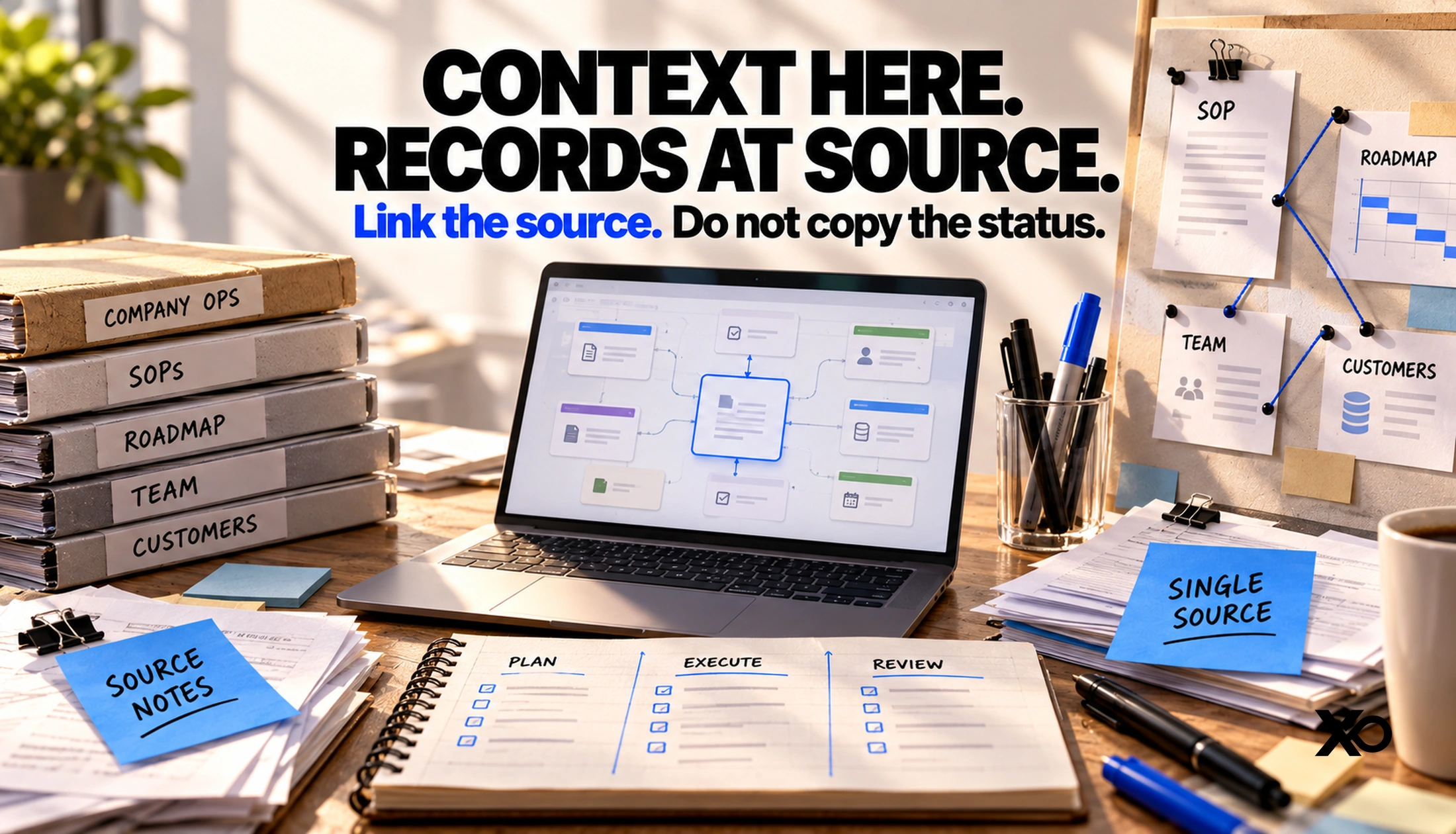
Use a simple boundary test: does this information mainly explain work, or does it operate a specialized transaction or workflow? Notion is often a good home for explanation and shared context. A specialist tool may be better for authoritative execution, particularly when mistakes have operational consequences.
| Information or workflow | Canonical home to consider | What Notion holds |
|---|---|---|
| Strategy, decisions and working guidance | Notion | The authoritative record |
| Engineering issues and source code | Issue tracker and repository | Brief, rationale and links |
| Customer pipeline and support cases | CRM and support system | Process guidance and aggregate context |
| Payroll and accounting | Dedicated financial systems | Restricted process links, not parallel ledgers |
| Product metrics | Analytics system | Definitions, interpretation and decisions |
These are operating recommendations, not claims that Notion cannot store these data types. A tiny team can use lightweight tracking temporarily. The question is whether maintaining it remains reliable when permissions, reporting, integrations and repeated transactions become more demanding.
Keep chat in Slack or Teams when the job is conversation. Capture a consequential decision afterward. A discussion thread can supply evidence without becoming the permanent address of company policy. Similarly, embedding another tool does not transfer ownership or guarantee that everyone has access.
If you are still deciding which categories belong in the wider stack, use XRaise’s startup tool-stack guide. This article assumes a narrower job: connect the operating context while keeping each specialist system accountable for its own records.
Organize startup knowledge without a maze
Organize around the questions people repeatedly ask, using a small number of stable entry points. Titles should describe the subject or action: “How we release a customer-facing change” is easier to recognize than “Engineering miscellaneous v3.” Put related context together, but avoid nesting that requires knowing who originally created a page.
Separate active working material from durable guidance and historical records. Drafts can be incomplete; a current process should be usable. Archive obsolete material with enough context to understand what replaced it. Archiving means removing it from the active path, not destroying evidence someone may still need.
Notion’s wiki and verification features support page ownership and verification periods, with notifications when verification expires. Verification outside a wiki has additional plan requirements. Use the available mechanism to prompt review, but remember that a badge records a review action; it does not prove the content is correct.
Run a search test with the language teammates actually use. If the right document exists but nobody finds it, improve its title and entry links before buying another search layer. If several pages appear equally authoritative, assign an owner to resolve the conflict. Search quality depends partly on the decisions made before anyone types a query.
Make onboarding a test of the system
A useful onboarding path explains what the company is building, why it matters, current priorities, decision rights and the new role’s responsibilities. It links to the workflows that person will use. Avoid presenting the entire wiki as a reading assignment.
Give a new teammate one realistic task: find the current initiative, explain the decision behind it and identify where to update the work. Observe where they need help. That reveals missing context more directly than counting completed pages. Fix the shared source so the next person benefits, rather than sending a private explanation that disappears into chat.
Use the onboarding record to make access requests and ownership explicit, while keeping sensitive employment information elsewhere or in appropriately restricted areas. The onboarding guide should explain where to find a process, not expose everyone’s confidential records. A good Company OS reduces dependence on founder memory without removing the need for human support.
Permissions, ownership and maintenance
Design access around the work. Company-wide context, team working areas, leadership material and external collaboration do not necessarily belong in the same permission boundary. Start restrictive for sensitive records and grant the access needed for the task. A harmless-looking parent page can lead to less obvious access paths.
Notion’s sharing and permissions documentation explains inherited permissions and that the broadest granted access wins. A restrictive-looking view is not a substitute for checking actual sharing rules. Test with the intended role, including an external collaborator, before relying on a boundary.
Early on, a founder or operator can steward the architecture: naming, entry points and source assignments. Functional owners should maintain the records they use. As the team grows, delegate this work rather than making one operations person chase every update. The steward resolves conflicts; they do not become the author of everyone’s knowledge.
Use a lightweight maintenance rhythm. Weekly, refresh active priorities and initiatives. Monthly, review ownerless or stale guidance and competing trackers. Quarterly, simplify navigation, review access and archive material that no longer belongs in the active workflow. These are editorial starting points; fast-changing processes may need event-triggered review sooner.
Require a clear reason before adding a database or automation: which repeated failure does it solve, who maintains it, and what existing obligation disappears? If nobody can answer, keep the simpler structure. The ongoing maintenance cost belongs in the design decision from the beginning.
Where Notion AI helps—and where it does not
Notion AI can help summarize material, draft an update, extract proposed actions and search available company knowledge. Its current documentation describes workspace and connected-app search, writing assistance and meeting summaries. Business and Enterprise include AI capabilities with usage allowances; Free and Plus provide limited trial responses. Some AI usage can require additional credits.
Use a bounded workflow: choose the relevant current pages, ask for a draft with supporting references, and have the accountable person check it. For a weekly update, verify what changed, which blockers remain and whether every proposed action has a real owner. Do not let a fluent summary silently turn a tentative conversation into a committed decision.
AI cannot repair unclear ownership, competing sources or stale guidance. It may retrieve or summarize the wrong version convincingly. If the system produces contradictory answers, inspect the source records and permissions before changing prompts. Keep consequential approvals and corrections in the canonical record so later searches can recover the actual decision.
What will the workspace cost?
Notion’s official pricing, checked October 12, 2026 with USD selected, lists Free at $0; Plus at $10 per member/month billed annually or $12 monthly; Business at $20 annually billed or $24 monthly; and Enterprise at custom pricing. Plan availability can vary by workspace. Recheck the selected currency, billing interval and checkout before committing.
Free limits collaborative blocks for workspaces with multiple members, has a 5 MB per-file upload limit and allows ten external guests. Paid plans list unlimited guests. Guests are free page-level collaborators; members determine paid seat charges. Do not build the company around treating employees as external guests to avoid the intended access model.
Select a plan because a required collaboration, permission or AI capability justifies it. Budget the subscription alongside setup, maintenance and any additional usage charges. Model the ordinary bill after an introductory offer ends; a temporary discount does not make an overcomplicated architecture sustainable.
The official startup program advertises up to six months of Business with AI, but duration depends on eligibility and application review. Its current guidance distinguishes partner-affiliated startups, other eligible startups and shorter trials for SMBs or incomplete applications. Do not assume every small team receives six months. XRaise’s Notion application guide addresses that separate offer intent; confirm current terms with Notion.
Templates versus a working operating system
A template supplies structure. A Company OS needs people who use, update and trust that structure. Copying an attractive workspace does not decide where the customer pipeline belongs, who updates a launch brief or when a decision should be revisited.
Start from scratch when the required structure is small and clear. Adapt a template when its records match real workflows; remove irrelevant databases before rollout. Bring in an operator or consultant when ownership, migration or access complexity exceeds the team’s capacity, with a bounded deliverable and handover. AI can draft the scaffold, but should not invent the operating rules.
Before purchasing or importing a system, trace one real initiative through it. If maintaining the template requires more work than the initiative, simplify. If you are still choosing the documentation platform itself, XRaise’s Notion, Confluence and Google Docs comparison covers that distinct decision.
Common Company OS failure modes
- Too many databases: combine records with the same purpose and owner before adding relations.
- Duplicate status: choose the authoritative tool and replace manual copies with links or views.
- Ownerless guidance: assign accountability or remove the page from the trusted path.
- Notion used as chat: preserve important outcomes rather than every conversational fragment.
- Universal task management: keep specialist execution where people reliably maintain it.
- Beautiful but unused dashboards: attach a real review decision or remove the dashboard.
- Automation before a stable process: prove the manual handoff and failure response first.
Fix one recurring failure at a time. A wholesale redesign can move the same ambiguity into prettier pages. Keep what already works, retire the competing version and tell the affected people where the authoritative record now lives.
A practical setup plan
Treat this as an illustrative sequence, not a guaranteed implementation schedule. A complicated migration may take longer; a small team may complete the useful parts quickly.
- Define truth on day one. List active information types, their canonical tools and owners. Resolve conflicts before importing anything.
- Build the core areas. Create Company Home and the minimum records needed for Direction, Decisions, Delivery and Knowledge. Include the source map.
- Import active context. Bring in current priorities, live initiatives and decisions people still need. Label historical material instead of presenting it as current.
- Test during real work. Run the next review from these records. Ask a teammate to locate and update information without help.
- Remove unnecessary structure. After a couple of working cycles, delete unused scaffolding from the design and retire duplicate trackers through the team’s normal process.
- Review adoption and maintenance. After the first month, inspect unanswered questions, stale records and owner workload. Improve the weakest handoff before expanding.
The deliverable is a team that knows how to operate the system. Keep a short change note when moving a canonical source, so people stop updating the previous location. Architecture changes are incomplete until the working habit changes too.
FAQ
Can a startup Company OS in Notion replace every tool?
Yes, as the shared context layer for direction, decisions, delivery and knowledge. It does not need to replace specialist systems. Its usefulness depends on clear ownership and routines, not the number of pages.
How should a Notion startup workspace be structured?
Start with Company Home, current priorities, active initiatives and reusable decisions or guidance. Use a few stable entry points. Split collections when ownership, access or retrieval needs justify the additional structure.
What belongs in a startup knowledge base?
Put reusable context, current process guidance and decision rationale there. Keep authoritative transactions in their operational systems. Link to those records and make it clear which information is current and who maintains it.
Is Notion enough for project management?
It can be sufficient for straightforward work. Use a specialist when delivery requires capabilities the current setup cannot reliably support. Preserve a project’s business context in the Company OS without duplicating its task status.
Should engineering replace Linear or Jira with Notion?
Only if the replacement actually satisfies the team’s delivery requirements. Centralized documentation is not, by itself, a reason to migrate issue tracking. Link engineering execution to initiative context first.
How often should a company wiki be updated?
Update important guidance when the underlying process changes. Use recurring reviews to catch missed changes and stale ownership. A weekly, monthly and quarterly maintenance rhythm is a starting point, not a universal rule.
Does Notion AI maintain the Company OS automatically?
No. AI can assist with summaries, retrieval and drafts, but someone must resolve conflicting sources, verify outputs and own corrections. Plan and usage availability also matter; do not assume unlimited automation.
What should you do next?
Build your startup Company OS in Notion around one real operating cycle. Connect direction to a decision, the decision to delivery, and the resulting knowledge back to the next review. Give each important record an owner, a canonical source and a review trigger.
Before adding another template, ask a teammate to find the current priority and explain why it matters. If the answer requires a founder’s private memory, fix that gap. The aim is a startup documentation system the company can trust and maintain—not a workspace that looks complete before anyone uses it.